
Overview
You can assign session attributes during CSV import using the Attributes column.
This is useful for categorizing sessions by items like Track, Level, Audience, Topic, or any custom attribute group configured in your CMS.
Importing Content into Amego
We allow importing for sessions, speakers, sponsors, attendees, and push notifications. If you go to Content > Import you will see the import template, or you can create a copy of the template here.
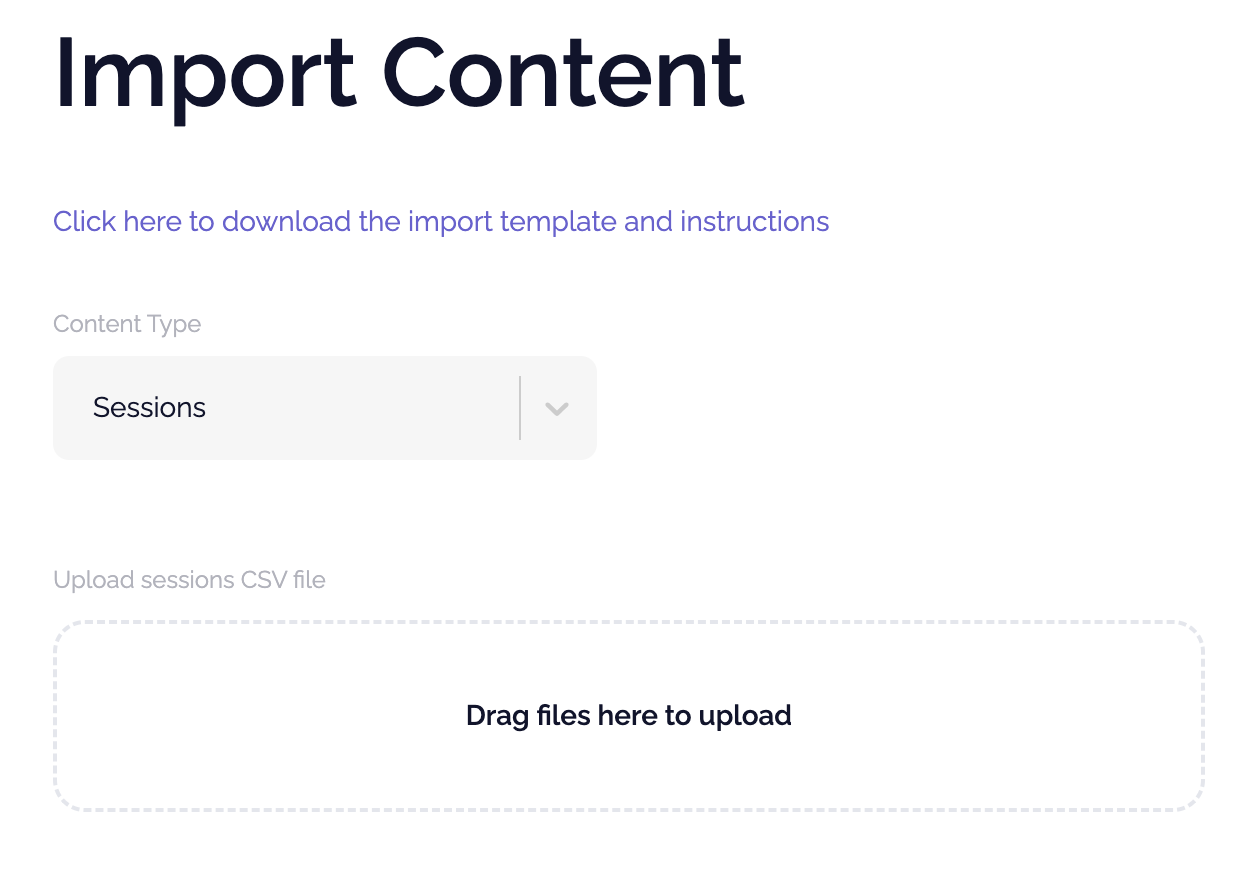
Note that only CSV file types are supported and there is a link at the top of the page with an import template and instructions for you to follow. In particular, pay close attention to required fields and time formats.
If you need any help with your import, please contact support.
Important Requirements:
1. Attribute Groups Must Already Exist
Before importing, the attribute groups (such as Track or Level) must already be created in your CMS.
If the group does not exist, the import will not be able to assign the value.
2. Attribute Type
Select or Checkbox Attribute Type
If the attribute group is set as Select or Checkbox, the value must already exist as a configured option in the CMS.
Example:
If Level has available options:
- Beginner
- Intermediate
- Advanced
3. Example CSV Row

Best Practices:
- Double-check spelling of attribute group names
- Ensure Select/Checkbox values match existing CMS options exactly
- Avoid extra spaces before or after values
- Test with a small import first before uploading large session lists