Release Notes
amego.com
Amego Knowledge Base: Your Ultimate Resource for Support and Guidance
Integrations
About our Integrations
How Quickly Do Updates Happen?
Session Visibility | EMS + Amego
Mapping Custom Fields
Expo FP Map | Sessions
Braindate Integration
Swoogo
Creating “Sponsored By” Sessions in Swoogo
Swoogo Merge Fields
Session Visibility | Swoogo + Amego
Integrations: Swoogo's Session Picker & "My Agenda"
RainFocus
RainFocus Merge Fields
Dashboard
Dashboard
Content
Importing Content into Amego
Importing Attributes into Amego
Content: Articles
Managing Articles
Content: Sessions
Managing Sessions
Advanced Sessions Features
Structured Meetings Setup
Creating Audio Tours in Amego
Agenda Colors By Session Type
Content: Speakers
Managing Speakers
Content: Sponsors
Understanding Sponsor Benefits in Amego
Managing Sponsors
Managing Sponsor Logos
Swoogo & Resource Files for Content
Screens
Amego Screens
Managing Screen Names
Creating a New Screen
Cloning Screens
Navigation Menu
Customize Your App's Navigation Menu
Home Screen
Home Screen Item: Highlight
Home Screen Item: Carousel
Home Screen Item: Agenda Overview
Customizing the Home Screen
'Up Next on My Agenda' Carousel
Home Screen Background Image Setup
Creating Multiple Home Screens
Content Screens
Library Screen and My Agenda
Guest Agenda
Map Screen
Screens: Map
More Screen
Customizing the More Screen
Engagement
Push Messaging Overview
Engagement: Push Notification
Engagement: In App Messages
Engagement: Polls
Engagement: Q&A
Engagement: Surveys
Engagement: News Feed
Engagement: Notification Style
Networking
Managing Networking Settings
Attendee Chat Settings
Networking 1:1 Meetings
Enhanced Networking Features
1:1 Meetings
Networking & Chat in Amego
1:1 Meeting Reporting
Quest
Quest: Event Gamification in Amego
🎯 Sample Game: “Mission Possible – The Engagement Challenge”
Managing Quest for Attendees
Quest: Scanner Activities
Quest: Creating Multiple Tracks
Attendees
Manage Testers in EventsGo
Attendee Attributes & Tags
Design
Setting Your App Logo
Managing App Colors
Managing App Fonts
Managing Style Settings
Amego Brand Examples
Guidelines to Share With Designers
Bill of Materials
Managing Fonts in Design
Customizing Color Outlines for Speaker and Sponsor Carousels
Choosing Avatar Shapes in Your Event App
Custom Icons
Settings
Opening Urls In The Default Browser
Settings
Settings: Basics
Settings: Attendees
Settings: Content
Settings: Integrations
Settings: Localization
Settings: Rooms
Settings: Sponsors
Settings: Users
Admin Settings
Admin Settings: App Version Update Notification
Admin Settings: Container App Event Sunsetting
Admin Settings: Edit Profile
Admin Settings: Your Account
Admin Settings: Your Events
Admin Settings: Global Settings
App Stores & Testing
Experience Amego with EventsGo
How to Test Your App Before Publishing
Branded Apps
Setting Up Your App Stores for Amego
Google Play Keystore Reset Process
Limited Developer Account Access: Creating new iOS Profiles for existing apps
Limited Developer Account Access: Creating Your iOS App
EventsGo Apps
Publishing Your App in EventsGo
Download EventsGo: QR Code & Direct Links
Onsite Capabilities
Helping Attendees Log In
Connecting Attendees with Digital Badges
Using Check In QR Codes
Amego Offline Capabilities
Onsite Support Guide
Cloning
Cloning Checklist
LeadsIQ
LeadsIQ Overview
LeadsIQ: Sponsor Admin User Guide
LeadsIQ: CMS and LeadsIQ User Guide
LeadsIQ: App User Guide
Home
Design
Amego Brand Examples
Amego Brand Examples
Seeking inspiration? Browse through brand examples from Amego customers.
Home Logo & Home Header
Event Highlights
Session Header Images
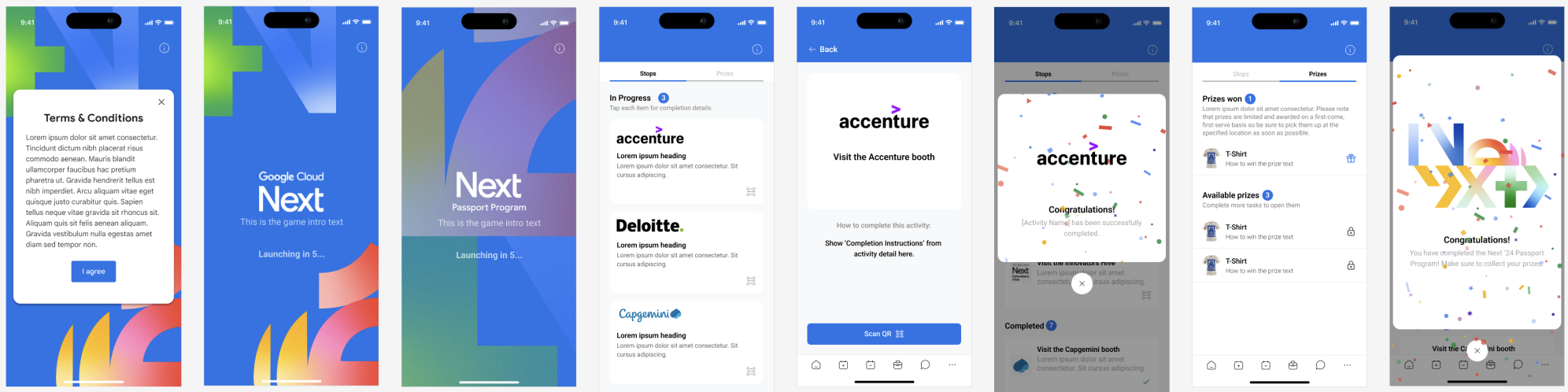
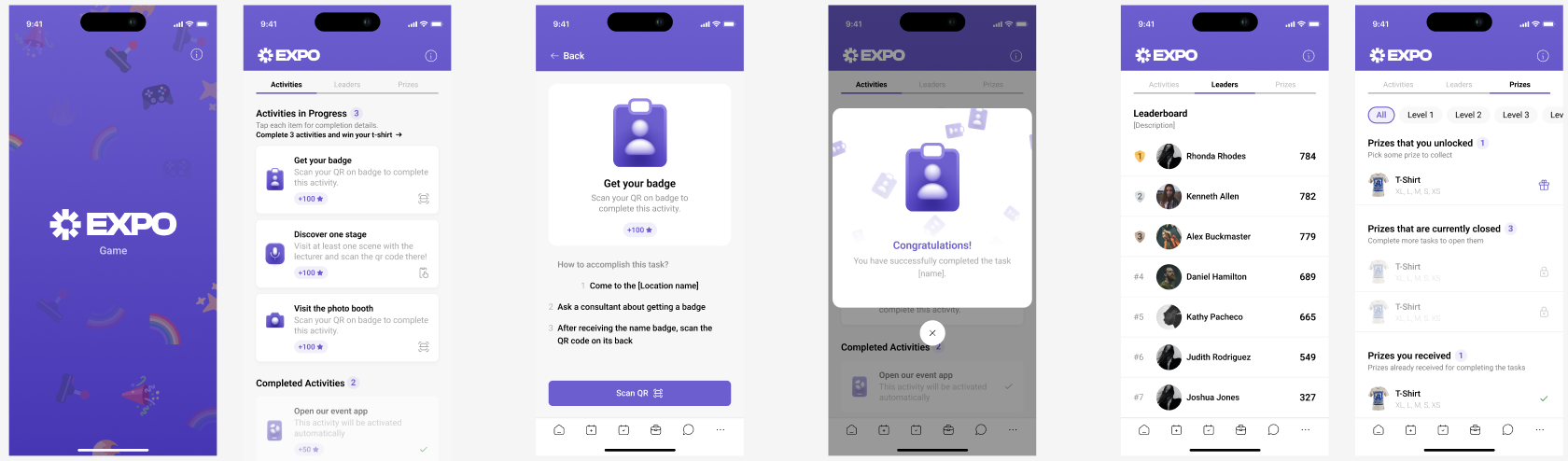
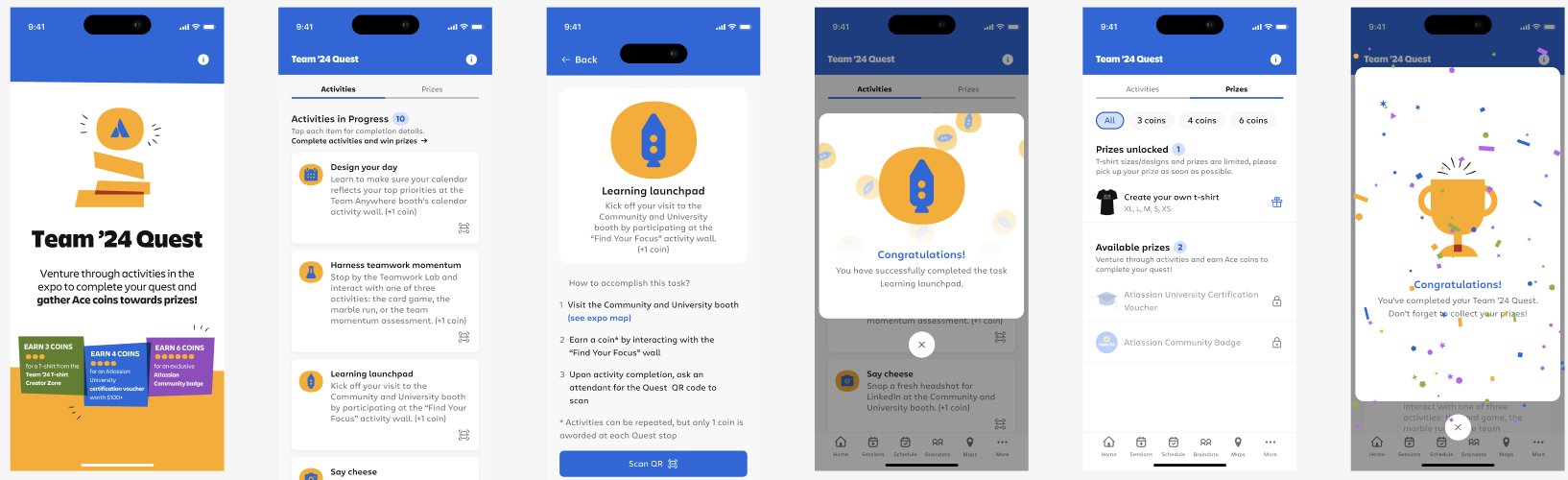
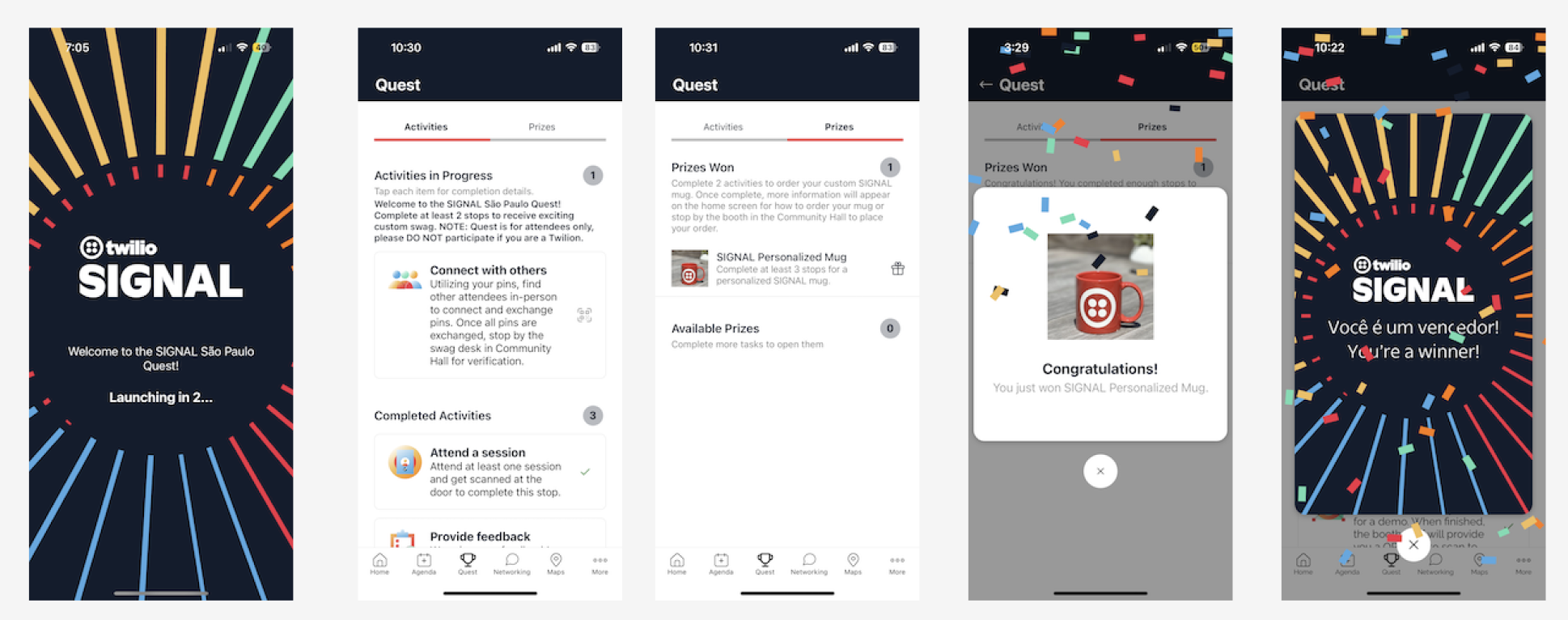
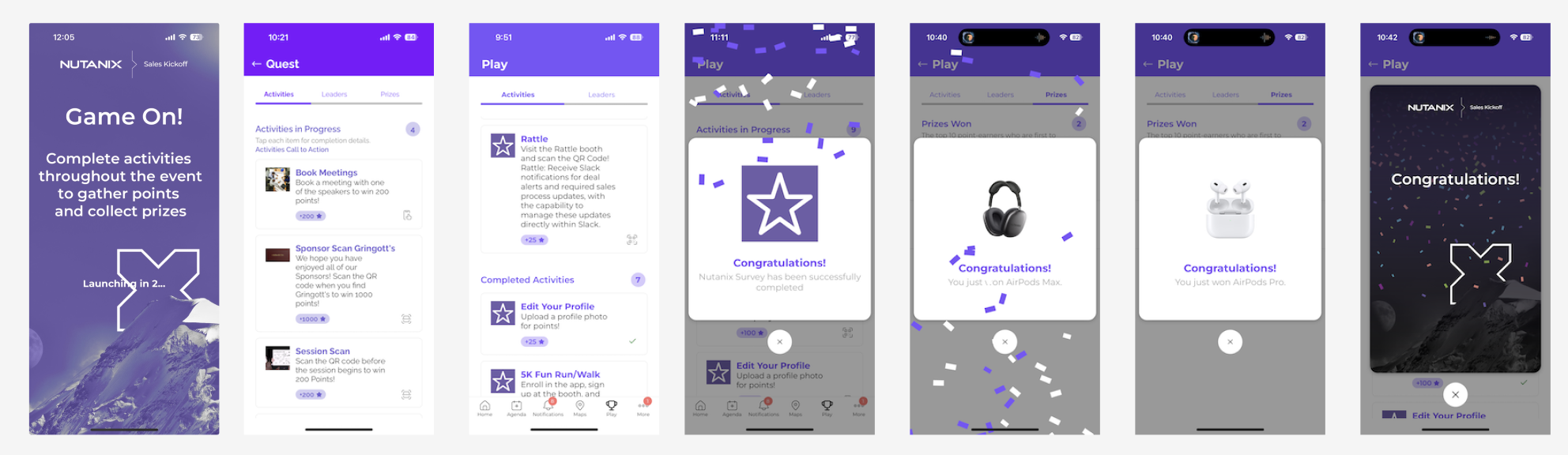
Quest