
Session Tags
In Sessions > Basics, at the bottom, you can add tags to any session. These are there for the attendee to better understand the topics covered in the session:
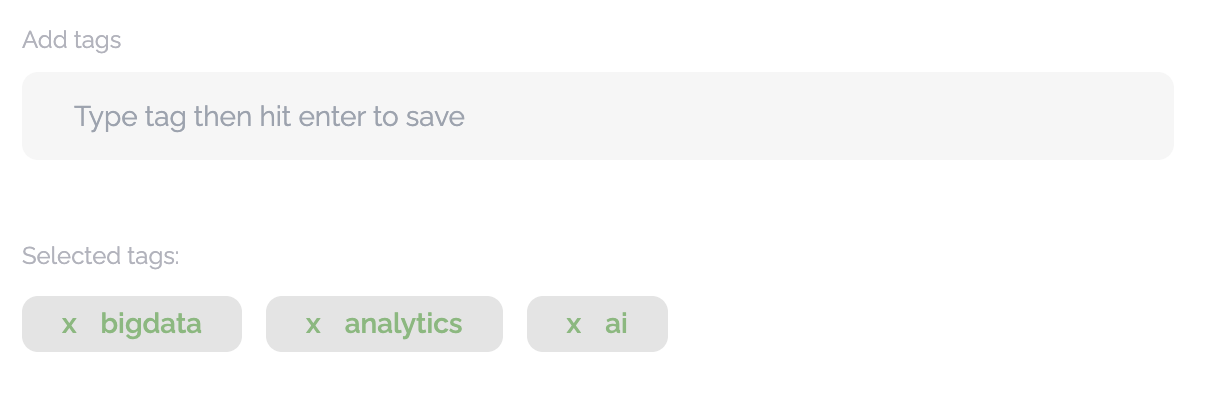
In the app, these simply show as hashtags above the title and are not tap-able nor are they filters - they are just an easy way for the attendee to see what the session is about:

Session Attributes
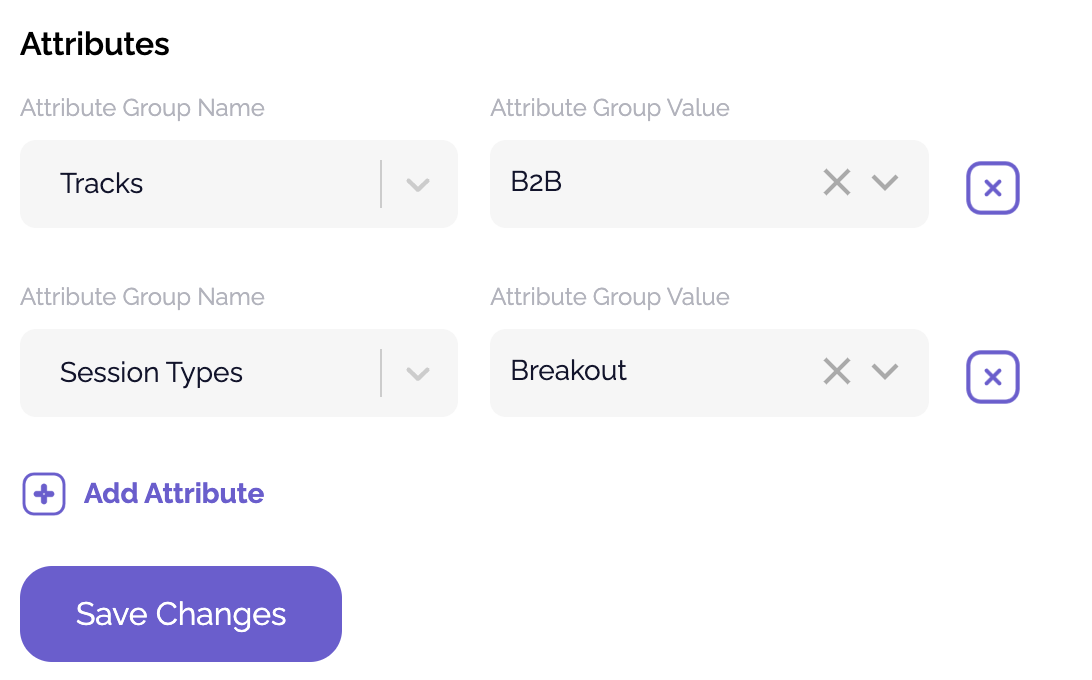
Session attributes are more formal than tags and are what powers filters. You can learn more about attributes in the Settings: Content help doc.
Attributes are selected on the Attributes tab of the session. These are shown in Filters on the library and allow attendees to shrink the list of content in the app library:
Sponsored Sessions
You can highlight sponsored sessions by adding a custom field through Swoogo. This allows you to associate a sponsor with specific sessions, making it easy for attendees to identify sponsored content within the event schedule.
To set up a sponsored session, create a custom field in Swoogo and link it to the appropriate session. This ensures that the sponsor's name, logo, or other relevant details appear alongside the session information.
For step-by-step instructions on mapping custom fields in Swoogo, click here.

Session Visibility & Session Enrollment
This is one of the more advanced features in Amego, and we've made a standalone help doc to cover it.