
How to Test Your App Before Publishing
Testing apps in Amego is easily done through our app, EventsGo.
Regardless of whether you have a Branded or EventsGo app, we use EventsGo to preview your app prior to app store publishing or sharing with other attendees.
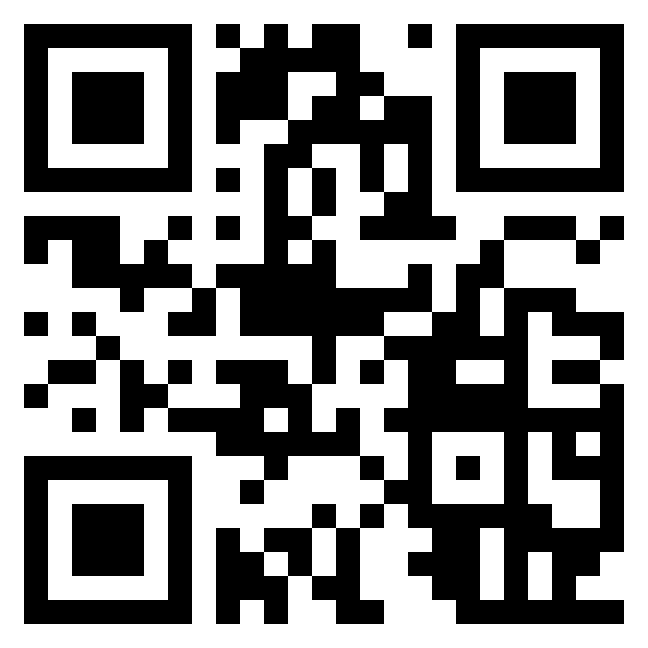
From your mobile phone, you can download EventsGo by clicking on the links below or scanning the QR code:
- iOS App Store: Download EventsGo
- Android Google Play Store: Download EventsGo
To see your app, all you need to do is:
1 - Make sure you are a Tester for your event
2 - Make sure "Publish on Events go" is set to "Testers Only" in Settings > Basics
3 - Download EventsGo using the links above
4 - Sign in with your registered email to receive a verification code.
You'll see the same app functionality as your future published app with one important exception: EventsGo apps do not show custom fonts. So if your Branded app uses custom fonts, you'll have to wait for app store publishing before you'll see that reflected in your app.
Happy testing! 🎉
Did this answer your question?