
Importing Content into Amego
Not integrated with an EMS? Here's how to import sessions, speakers, sponsors, attendees and push notifications.
Overview
Amego is most often paired with an EMS system that is integrated with an API in Settings > Integrations.
However, there may be cases where your EMS is not supplying all the data, or you want to use Amego without an EMS, or you just want to save time.
Importing Content into Amego
We allow importing for sessions, speakers, sponsors, attendees, and push notifications. If you go to Content > Import you will see the import template, or you can create a copy of the template here.
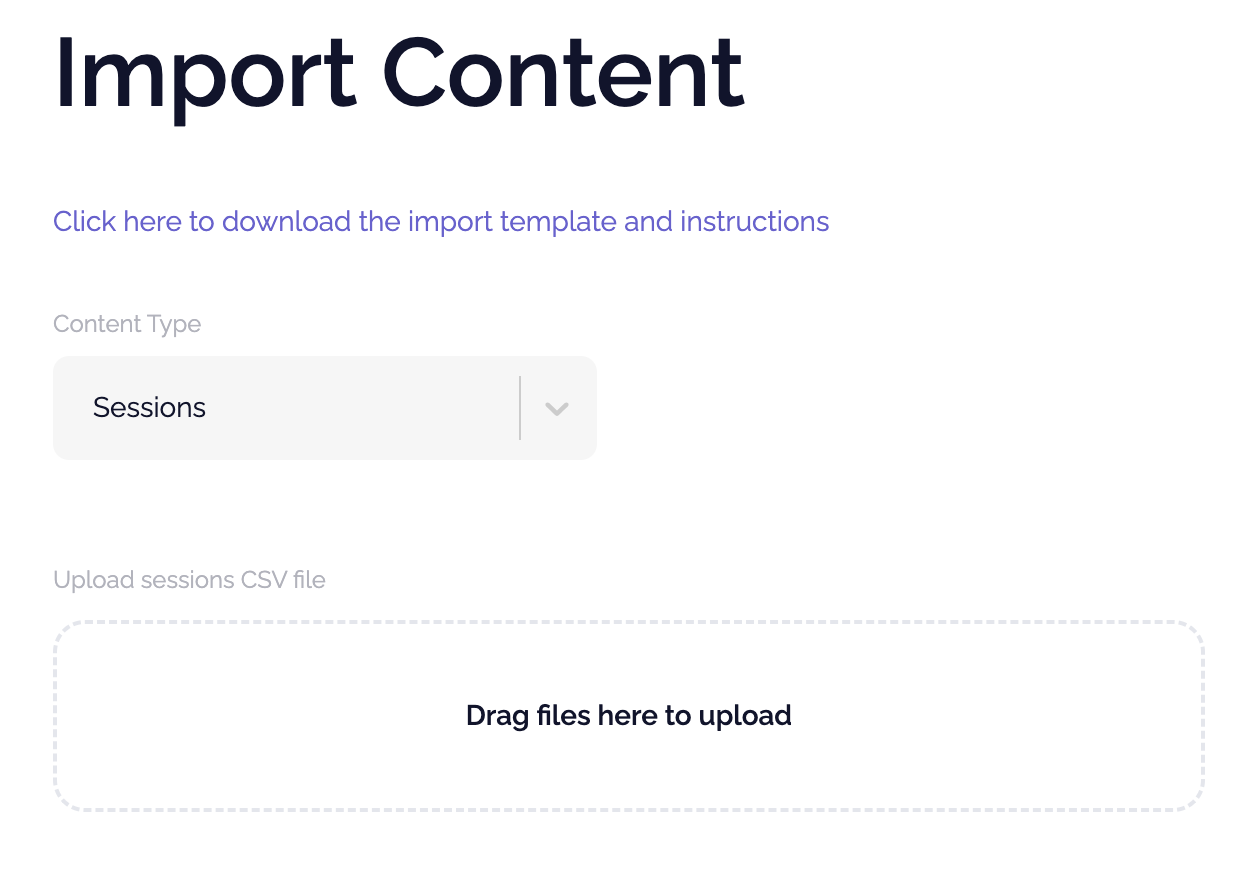
Note that only CSV file types are supported and there is a link at the top of the page with an import template and instructions for you to follow. In particular, pay close attention to required fields and time formats.
If you need any help with your import, please contact support.
Helpful Tips:
Sponsors:
- Published should be included on the CSV so sponsors show in the App. You can also manually update the status post import.
- Make sure you setup the Sponsor levels first in Settings > Sponsors > Levels prior to the import.
- Logos can be added to the Amego platform post import if you don't have the logos hosted somewhere to create a URL.
Did this answer your question?