
Admin Settings: Your Events
Manage multi-event features, like the event picker, for accounts with multiple events here.
Find this setting on the top right of your screen. Hover over your profile image > Your Events.
As an admin, you can see all events for your account in a list. In accounts with multiple events, this is where you manage Amego's multi-event capabilities.

- Click Edit to go to the settings of a specific event
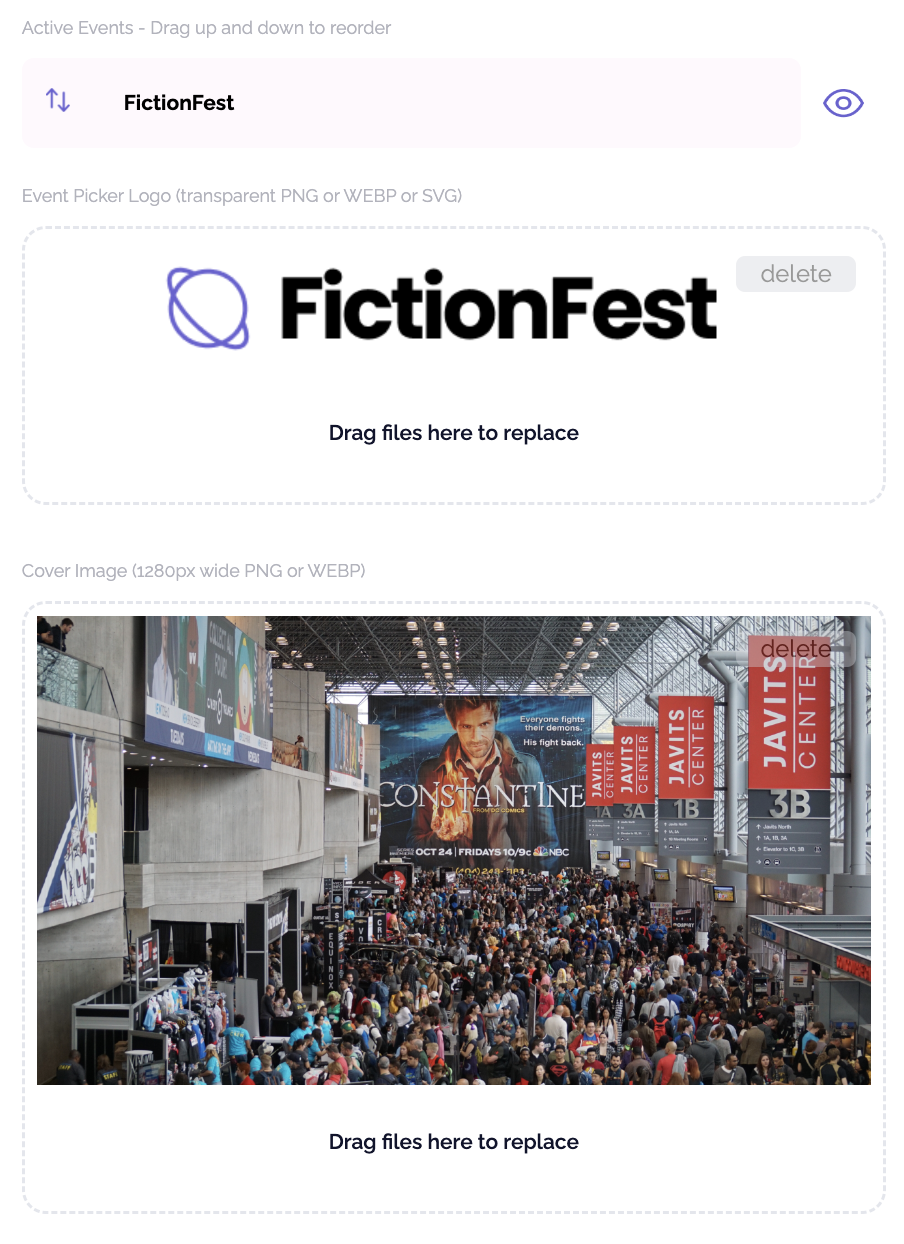
- Click Event Picker to manage your branded app's event picker screen
- Drag and reorder events
- Hide events
- Edit the logo at the top of the Event Picker (165x60px transparent WEBP or PNG)
- Edit the Event Picker cover image (1280px wide PNG or WEBP)
Note: Event Picker functionality applies only to Branded or Custom accounts.
Did this answer your question?