
Managing Screen Names
Editing or changing screen names.
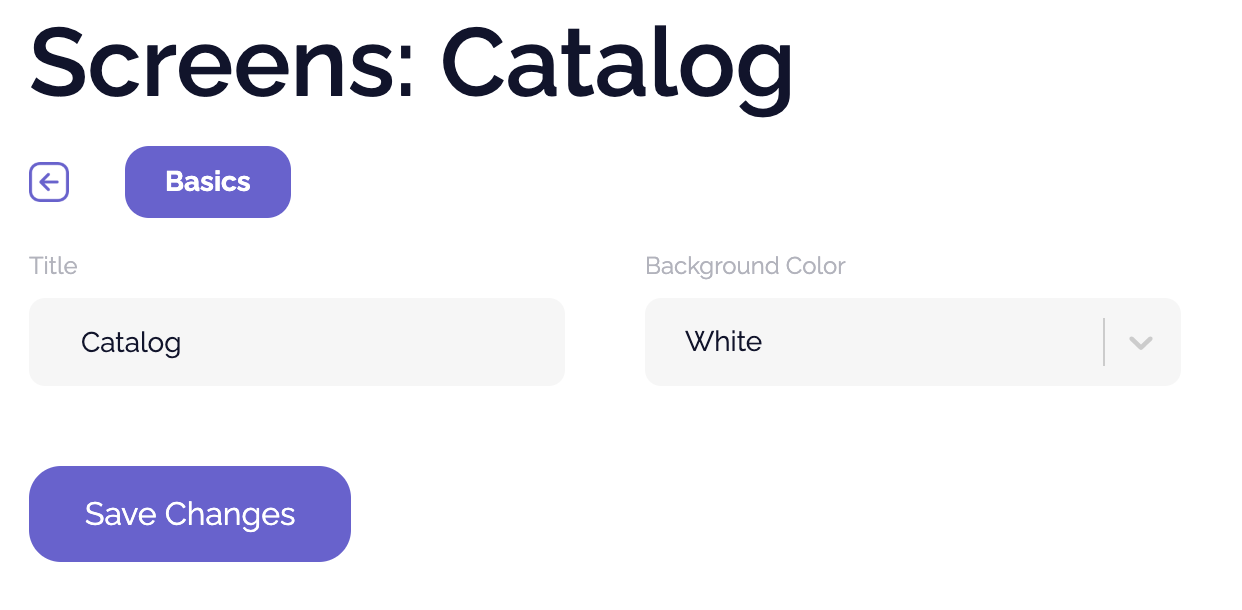
You can edit any screen name by navigating to Screens > Select the screen.
Note that the title of the page can be different from the label used in navigation, if desired.
We recommend simple titles for your pages and when possible, stick to our default screen color (usually white), except for Home, where you have much more freedom to change all colors.
Did this answer your question?