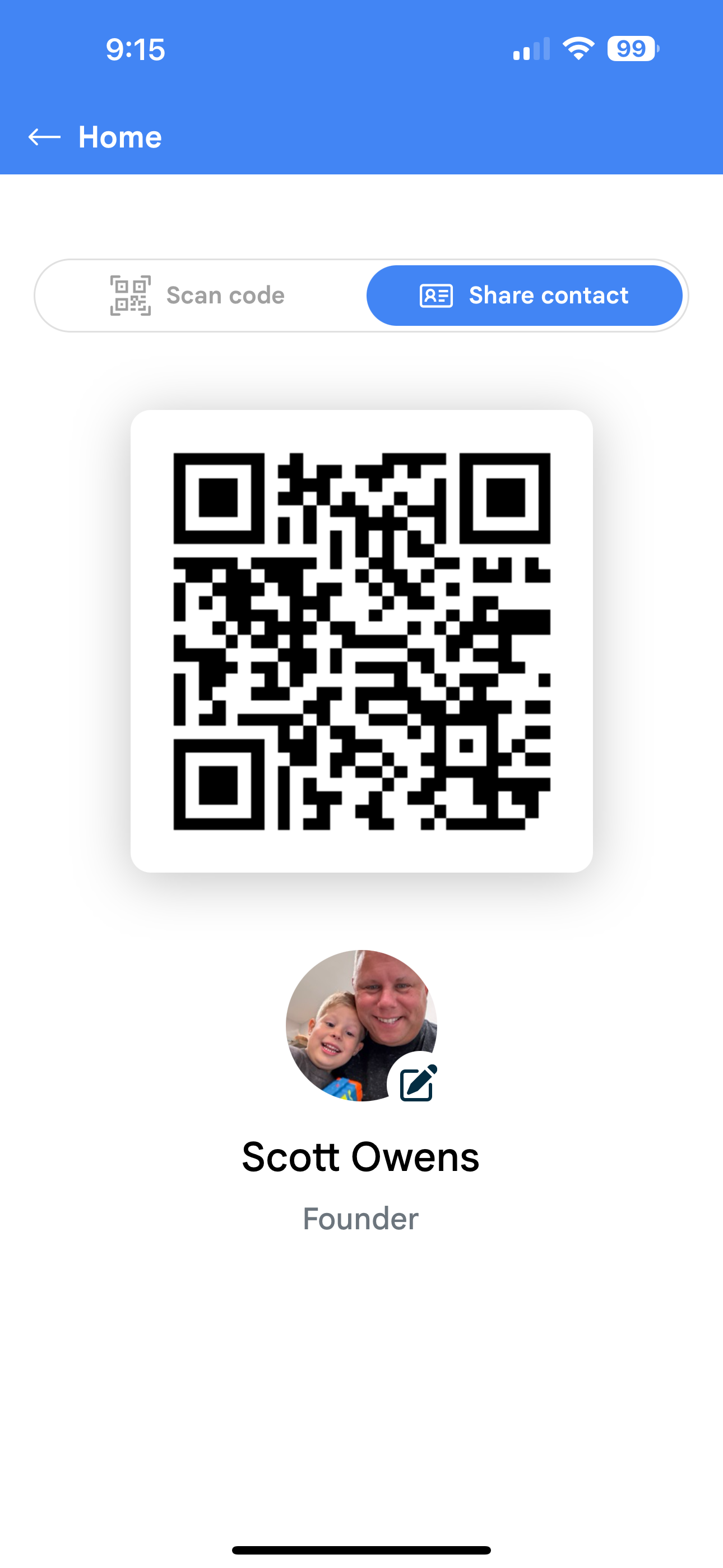
Amego’s networking feature includes an optional digital badge tool, enhancing attendee interactions. This feature allows attendees to scan either their physical or digital badge to connect. Once scanned, both attendees are automatically added to each other’s My Contacts list.
EMS Integration and QR Code Functionality
If your event is integrated with an EMS, the QR code on the badge typically contains the attendee's registration ID. This enables additional functionality:
- Session Scanning: Use the digital badge for attendee check-ins.
- Lead Scanning: Scan badges with your existing lead retrieval tools.
This dual-purpose badge system streamlines networking while supporting operational needs like attendance tracking and lead capture.
How To Enable Digital Badges
To set this up, in the Amego CMS, go to Settings > Basics and set Use Digital Badge? to Yes. You'll see the QR code at the top of Home.
You can customize the colors of the QR code in Design > Colors.
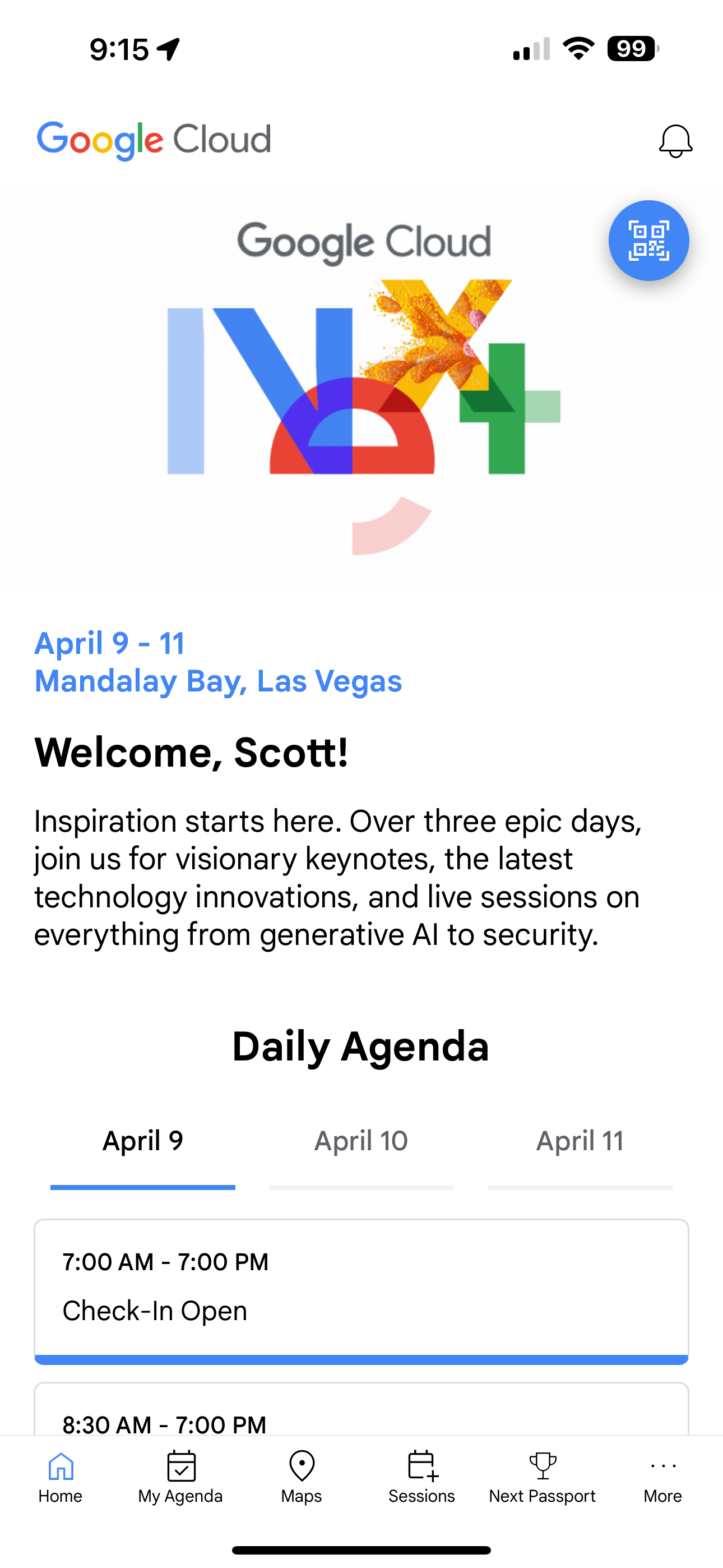
Tap the QR code to show your digital badge. You can also tap your image below to edit your profile.
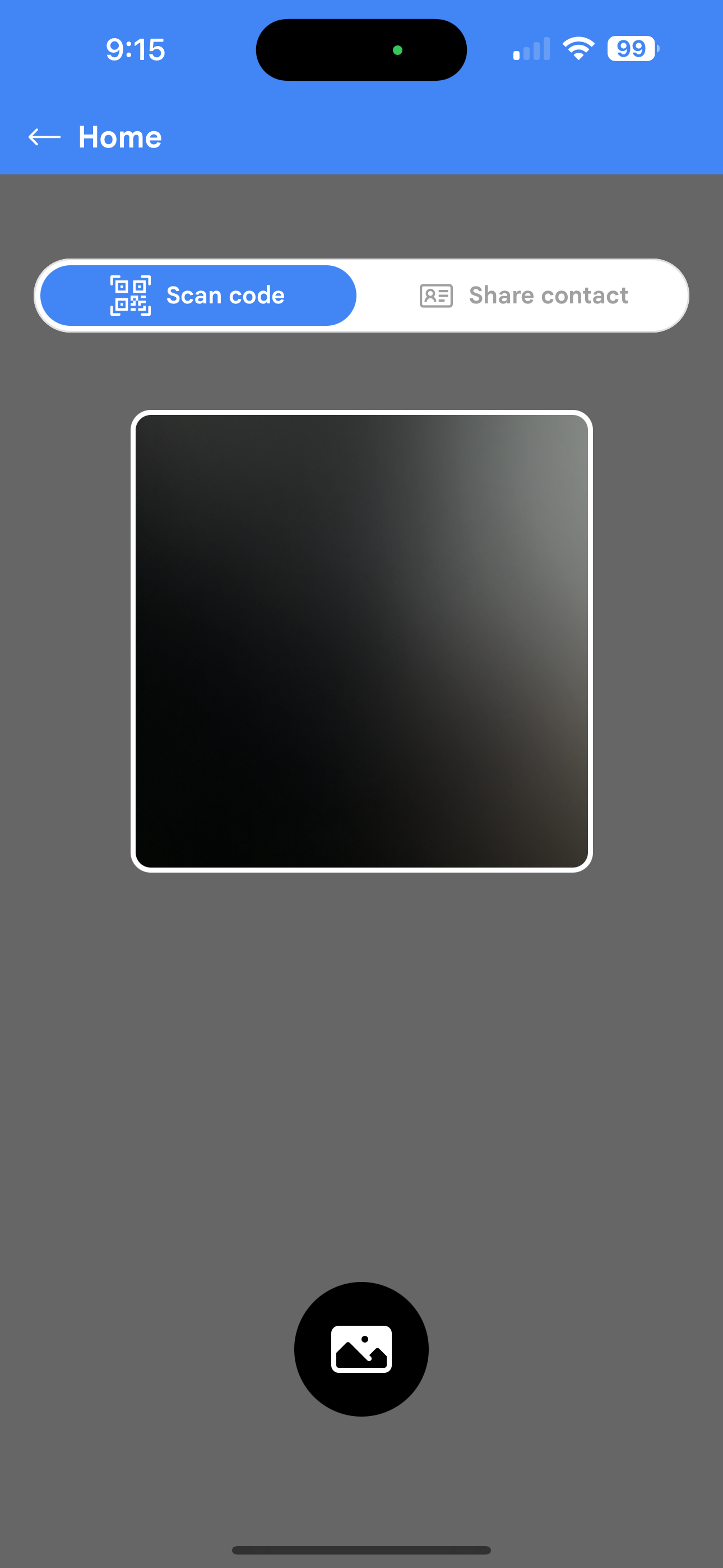
Tap Scan Code to scan another attendee's badge. Note that you can also scan normal QR codes with this scanner, and also note that the normal device QR scanner/camera will not trigger any Amego functionality. Attendees must use the in app scanner (also true for gamification using QR codes).