
Below is a list of the images and specs that can be included in your app. Some of these images are optional and some will come over from the EMS. Please see notes below.
You can use any image editor but we like https://www.photopea.com/
Custom Container App
Note: This specific spec applies to Branded Apps only (not EventsGo).
App Icon
- 1024x1024 PNG
- This PNG cannot have any transparency. Note that changing this image requires a new app build/review/launch.
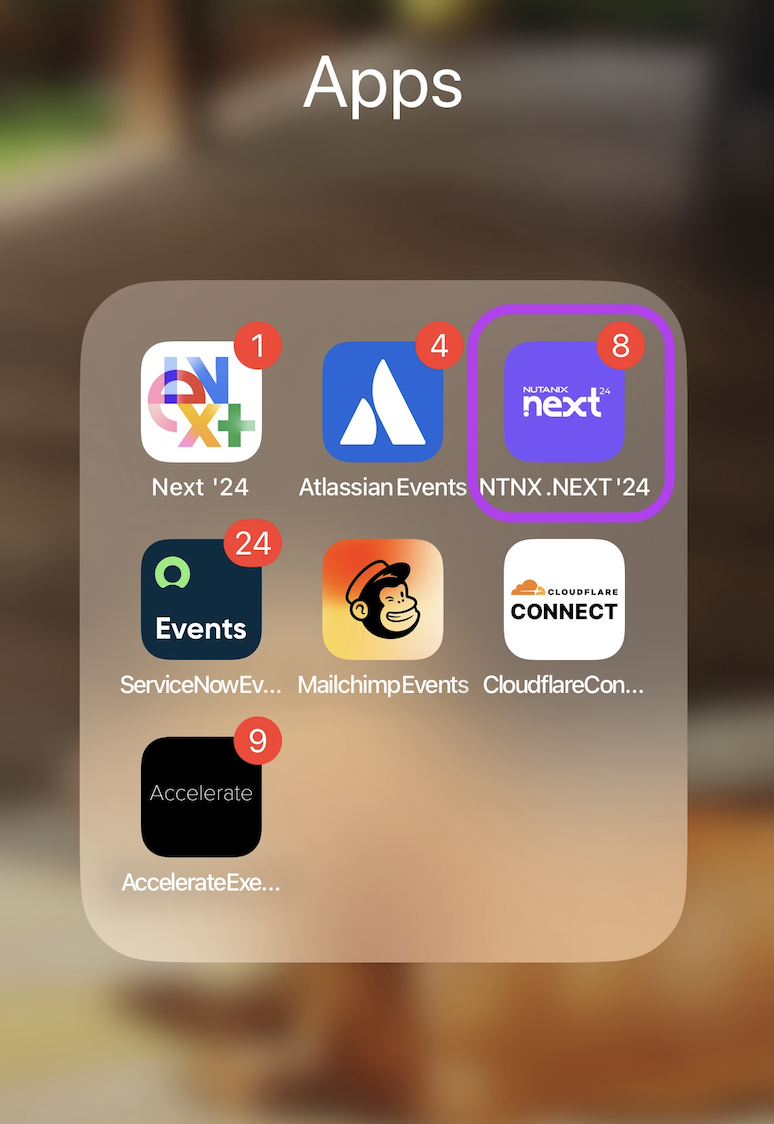
App Image Specs:
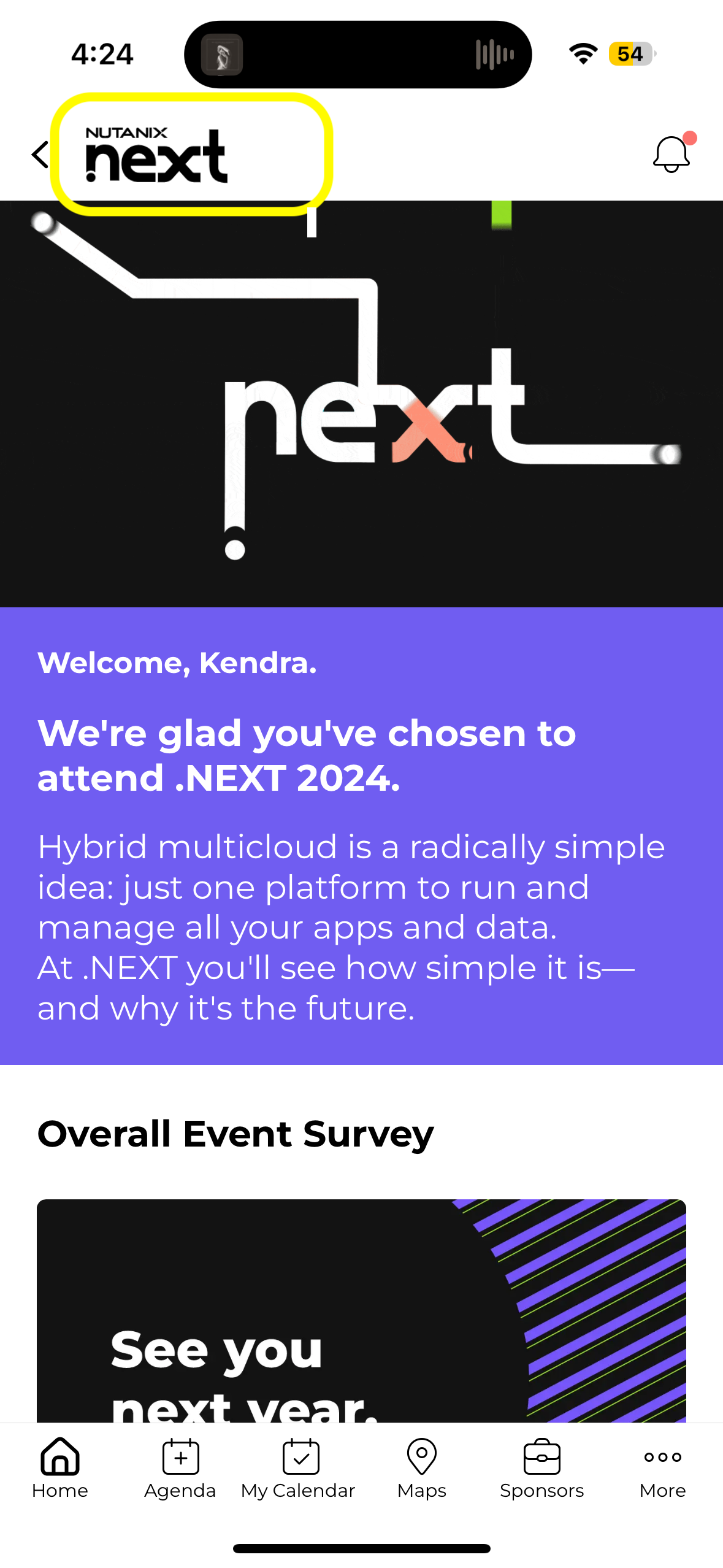
Mobile Header Logo
- 165x60px transparent WEBP or PNG
- Add this in Design > Logo
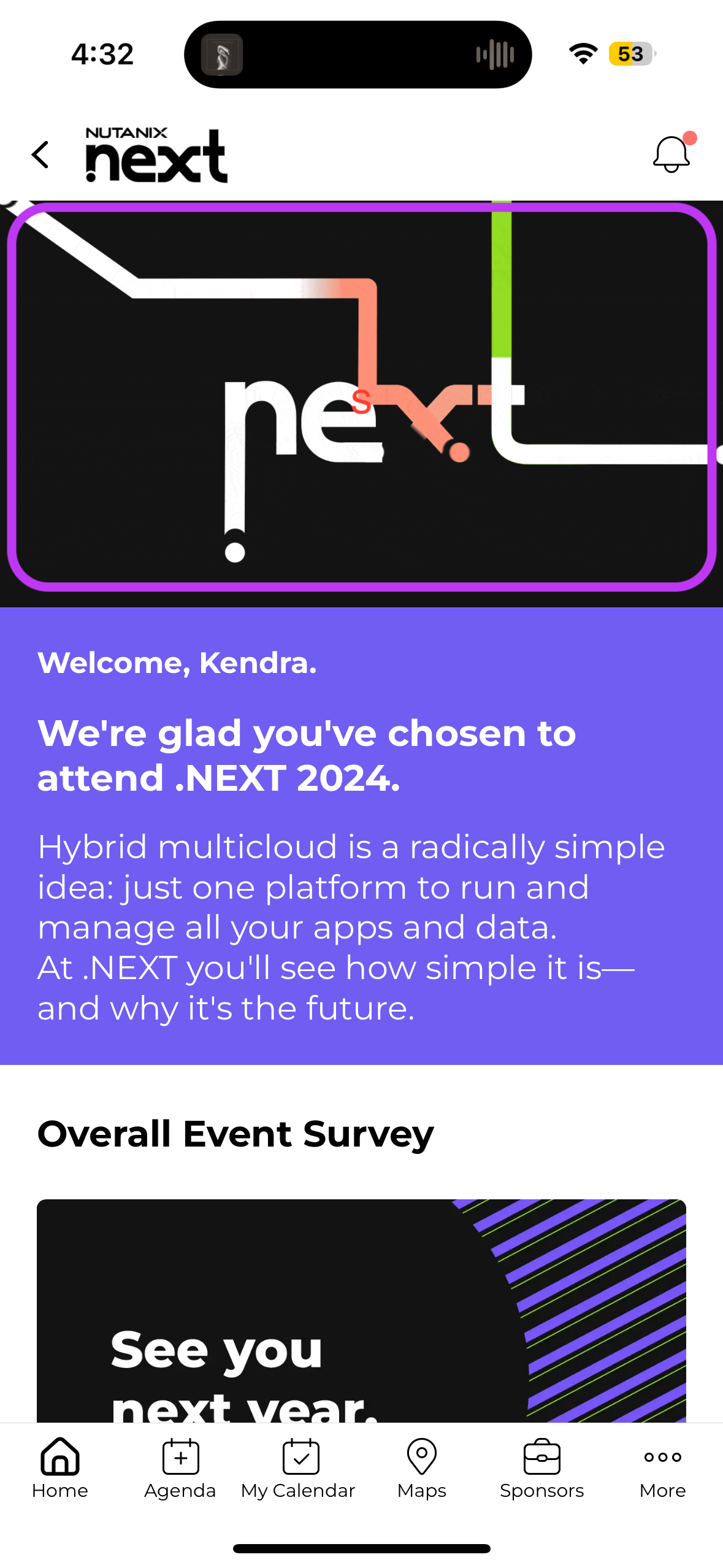
Header Image: Landscape Cover Content
- 1280px wide WEBP, PNG or 16:9 GIF
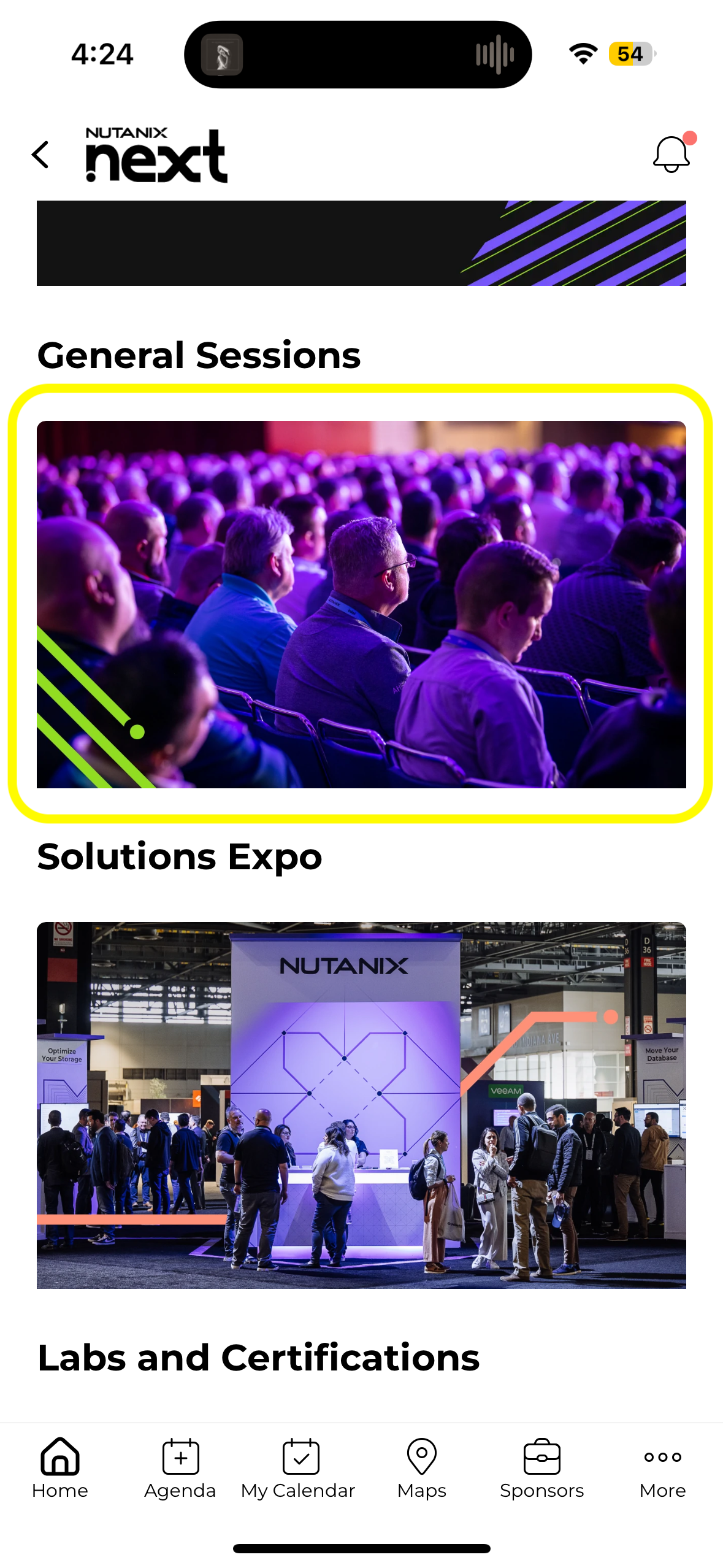
Highlight Image:
- 1280x720px WEBP or PNG
Session Image: Landscape Cover Content
- 1280x720px WEBP or PNG
- Optional
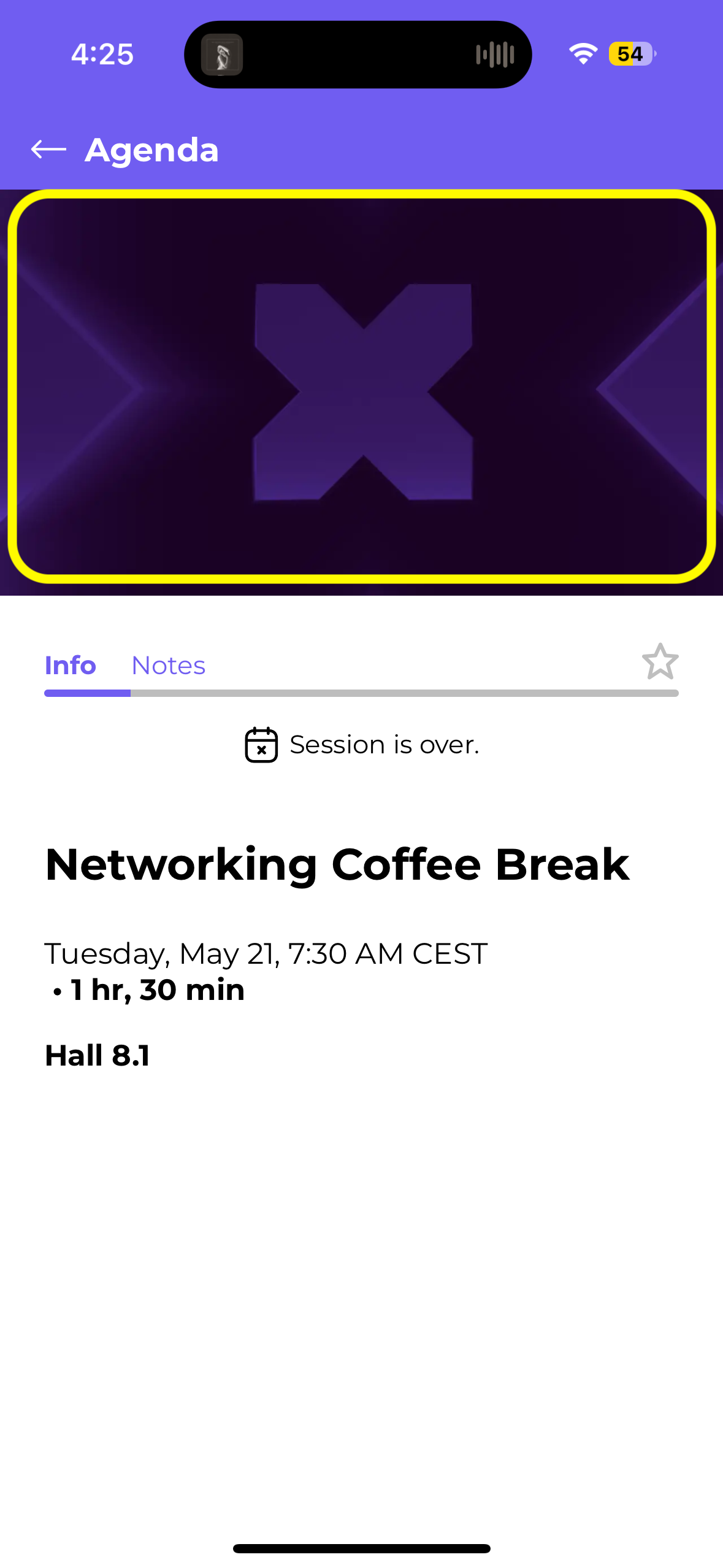
Article Image: Landscape Cover Content
- 1280x720px WEBP or PNG
- Shown only in carousel view only
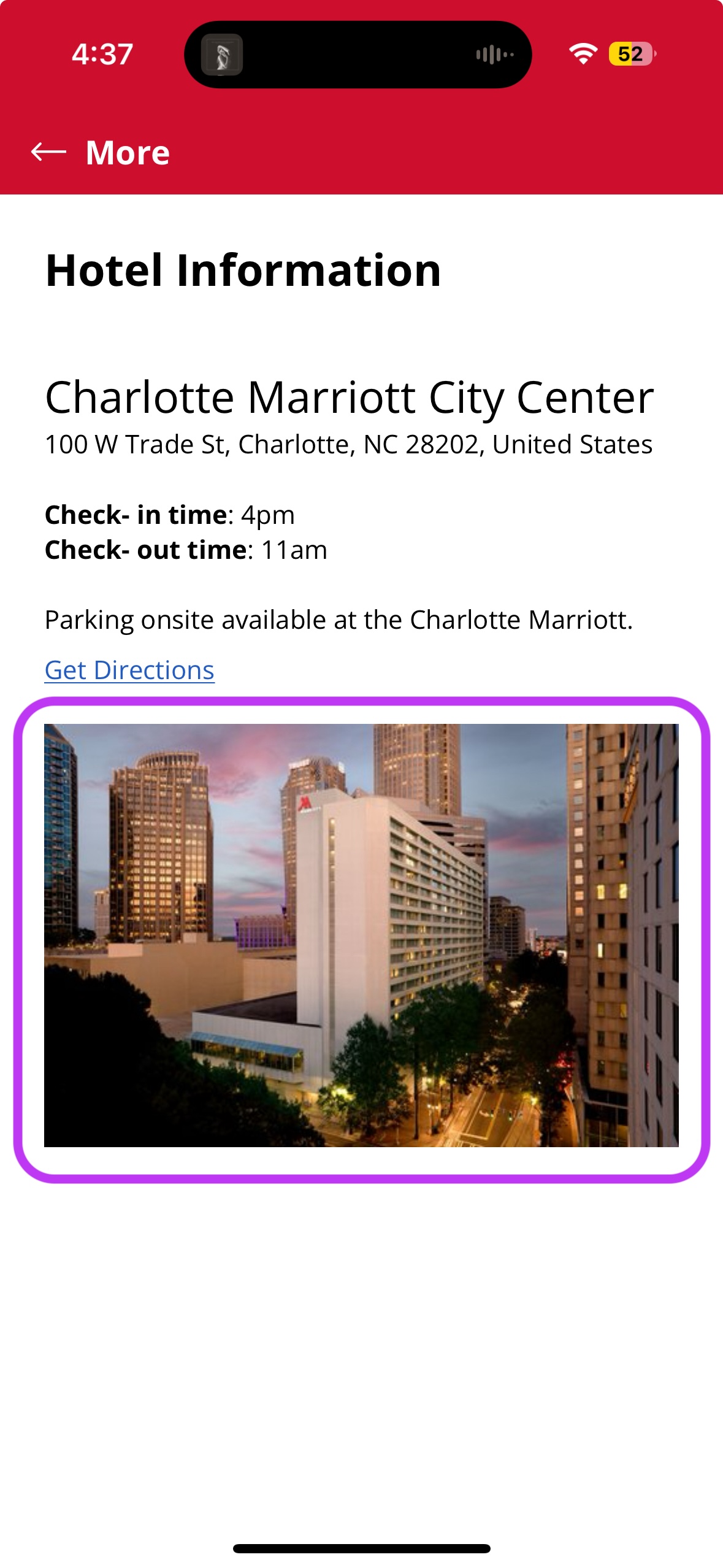
Speaker Image: Square Image
- 512x512 WEBP or PNG
- If available, will come from EMS integration

Networking Profile Background:
- 1280x273 WEBP or PNG
- Image can be added in Networking > Profile Background in the CMS

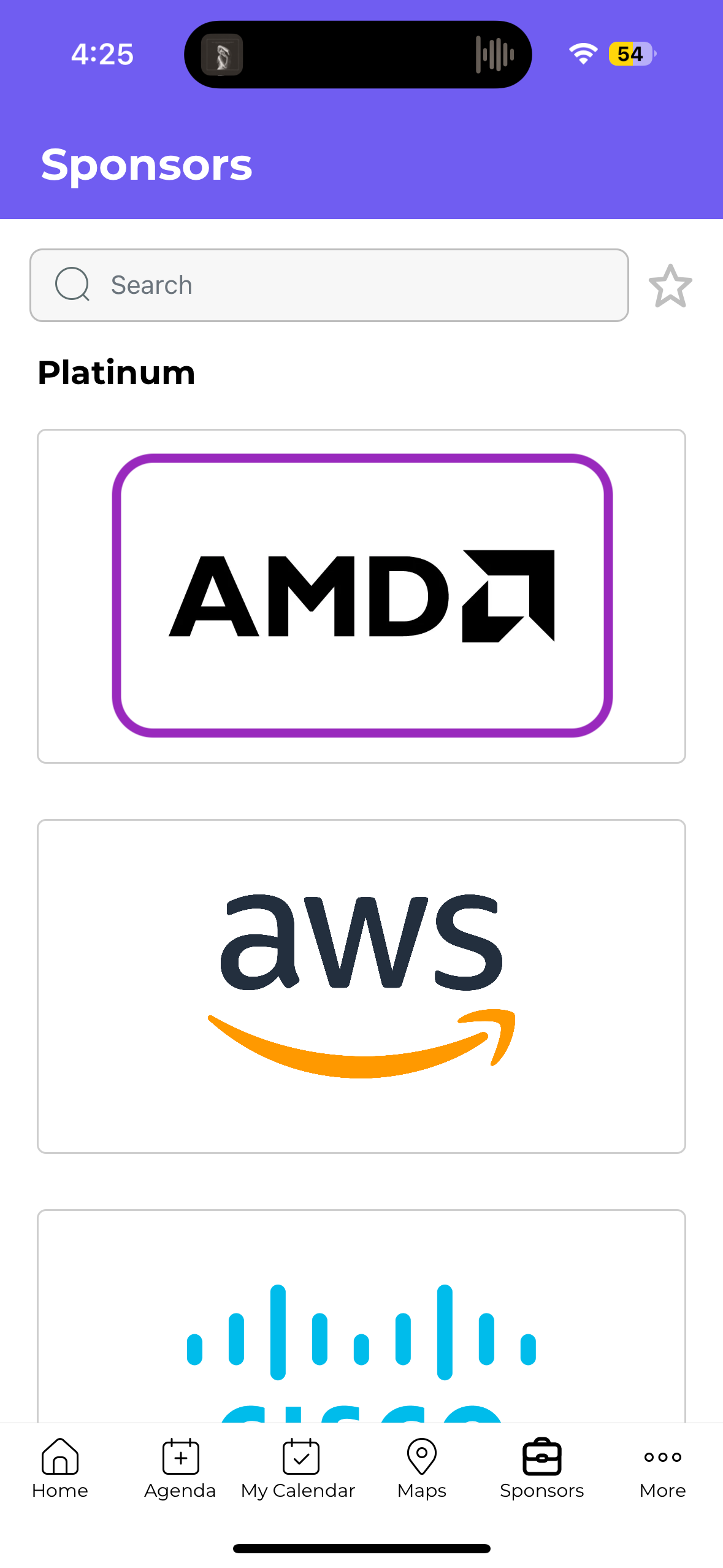
Sponsor Image:
- 400px wide transparent WEBP or PNG
- Please include minimal empty space around the logo for best results. If your logos are too small, they have too much extra space around them. If you see variation in logos, it's caused by variation in the space around the logo.
- If available, will come from EMS integration
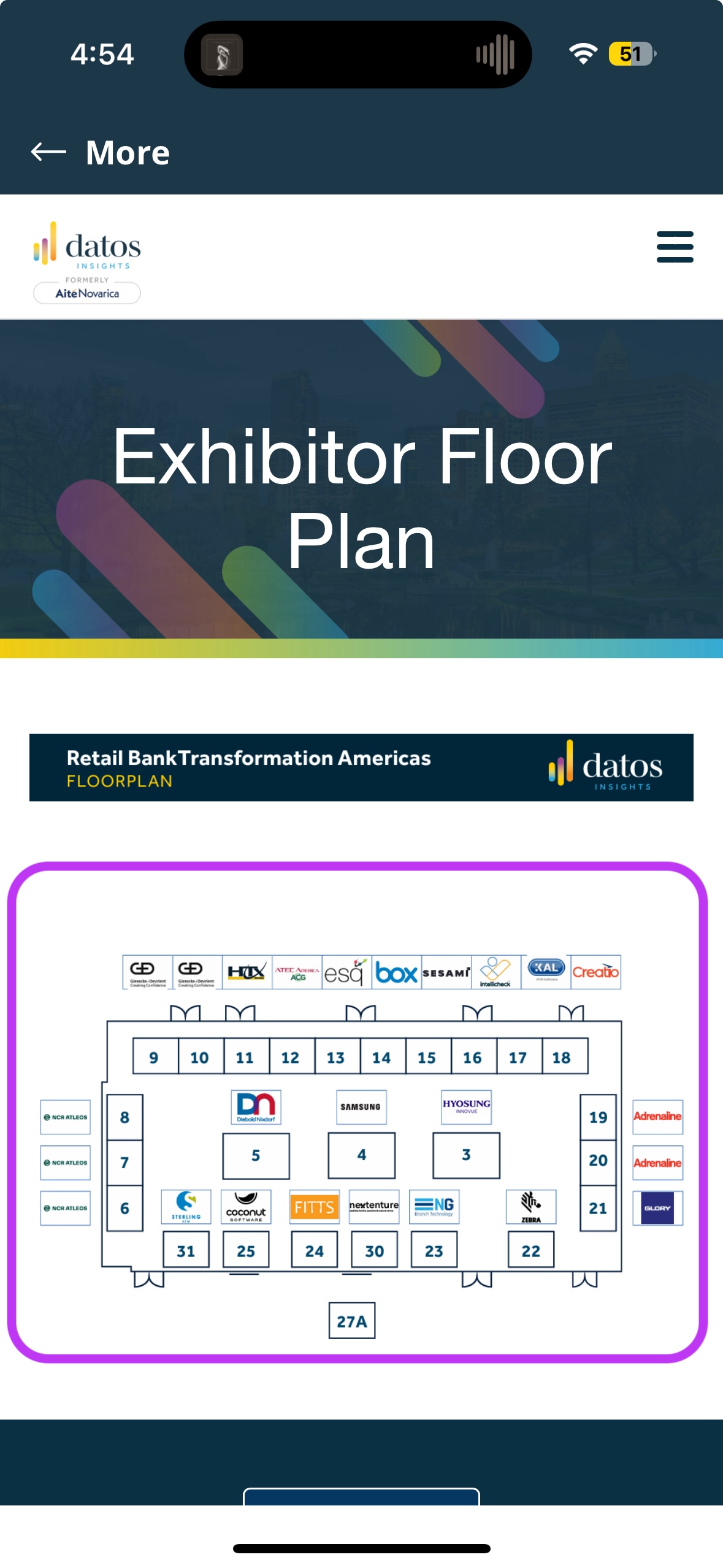
Map Image:
- PDF file
Background Image:
- Recommended Dimensions: 1280px (width) × 800px (height). The height can be increased depending on the amount of components you have on the Home screen.
- Aspect Ratio: 9:19.5 (iPhone full screen)
- File Type: JPG or PNG

Quest Gamification:
More details on Quest here.
Game logo: Fun representation of your game, shown on the intro screen
- COMING SOON!
- Image specs: 60x165px transparent, PNG
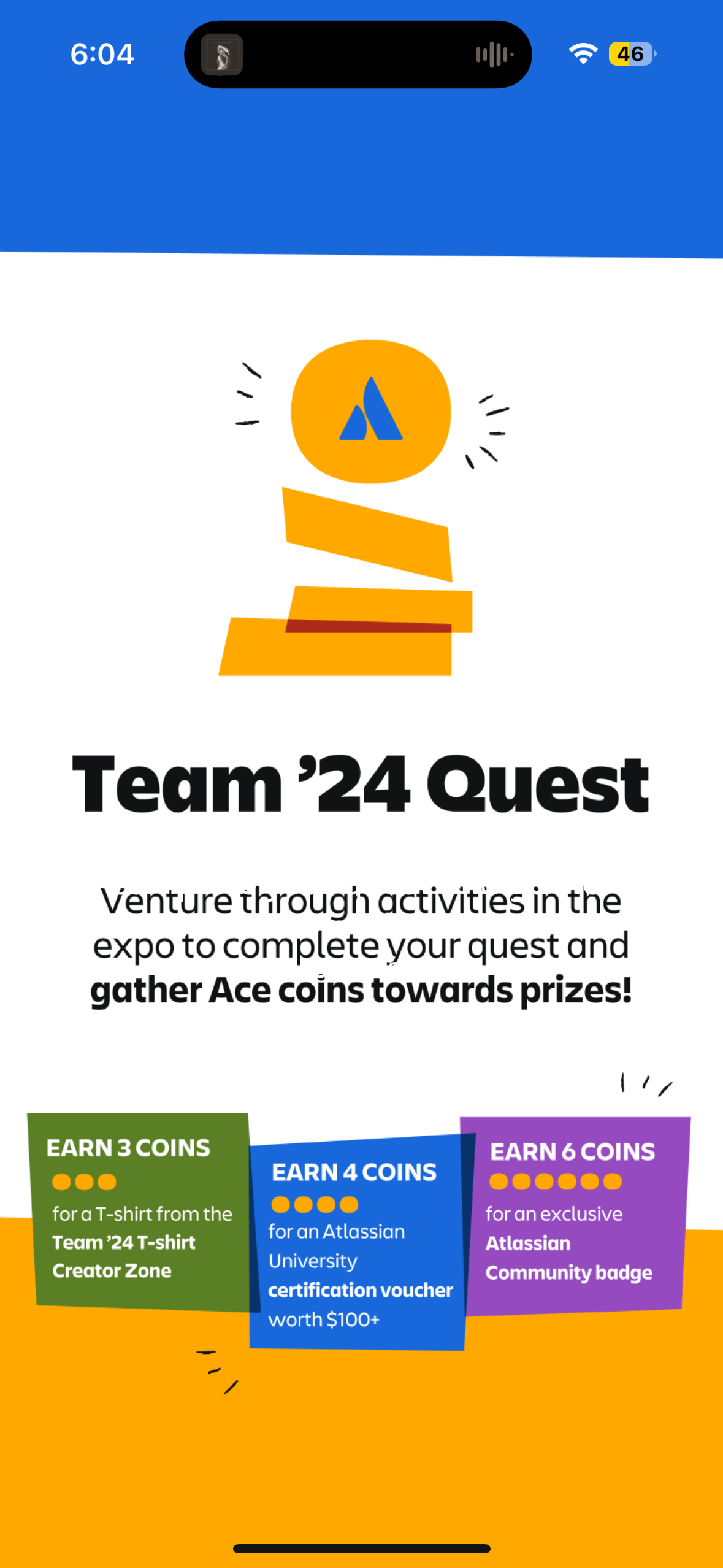
Intro screen logo: Overview of the game
- Image specs: 1080x1920, PNG

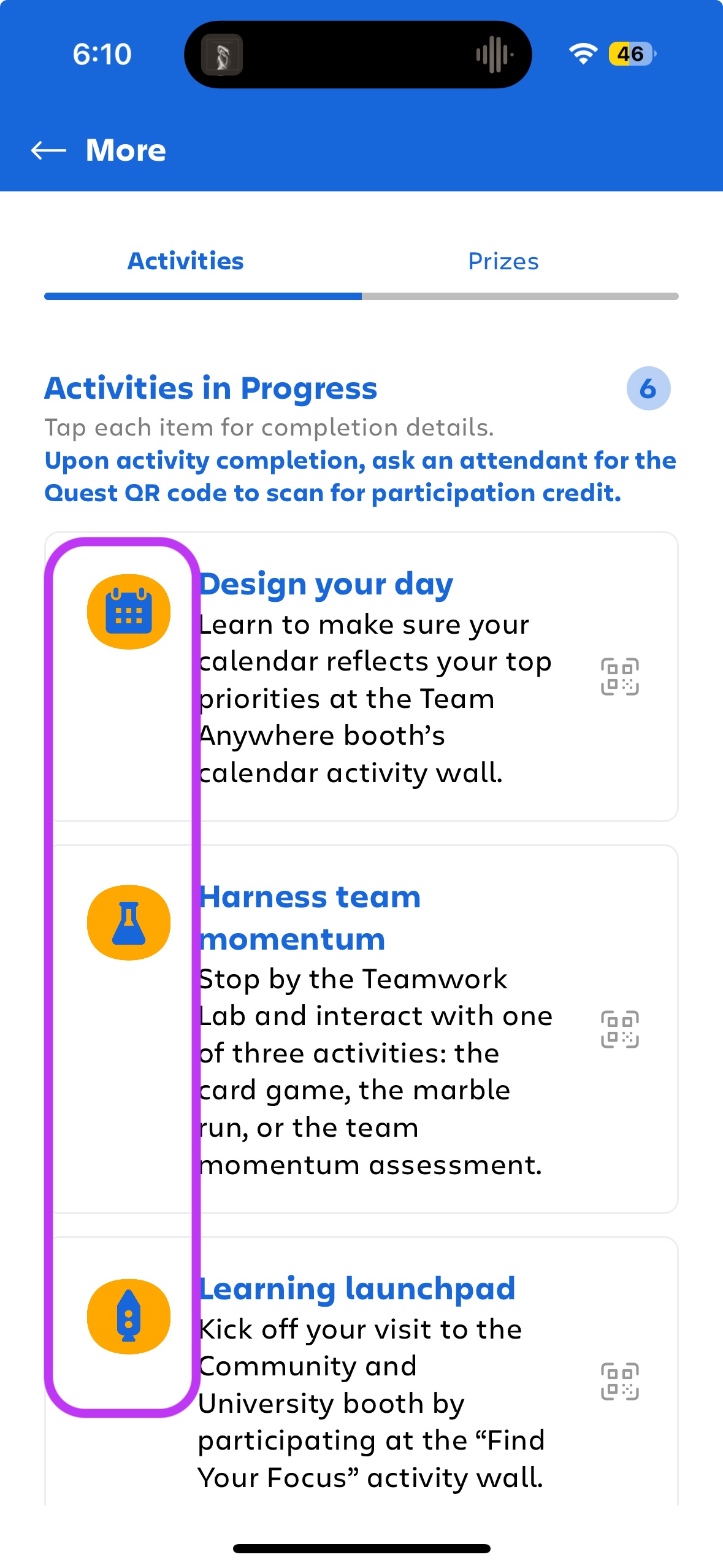
Activity images: an off version and an on version (completed) for each activity
- Image specs: 512x512, PNG
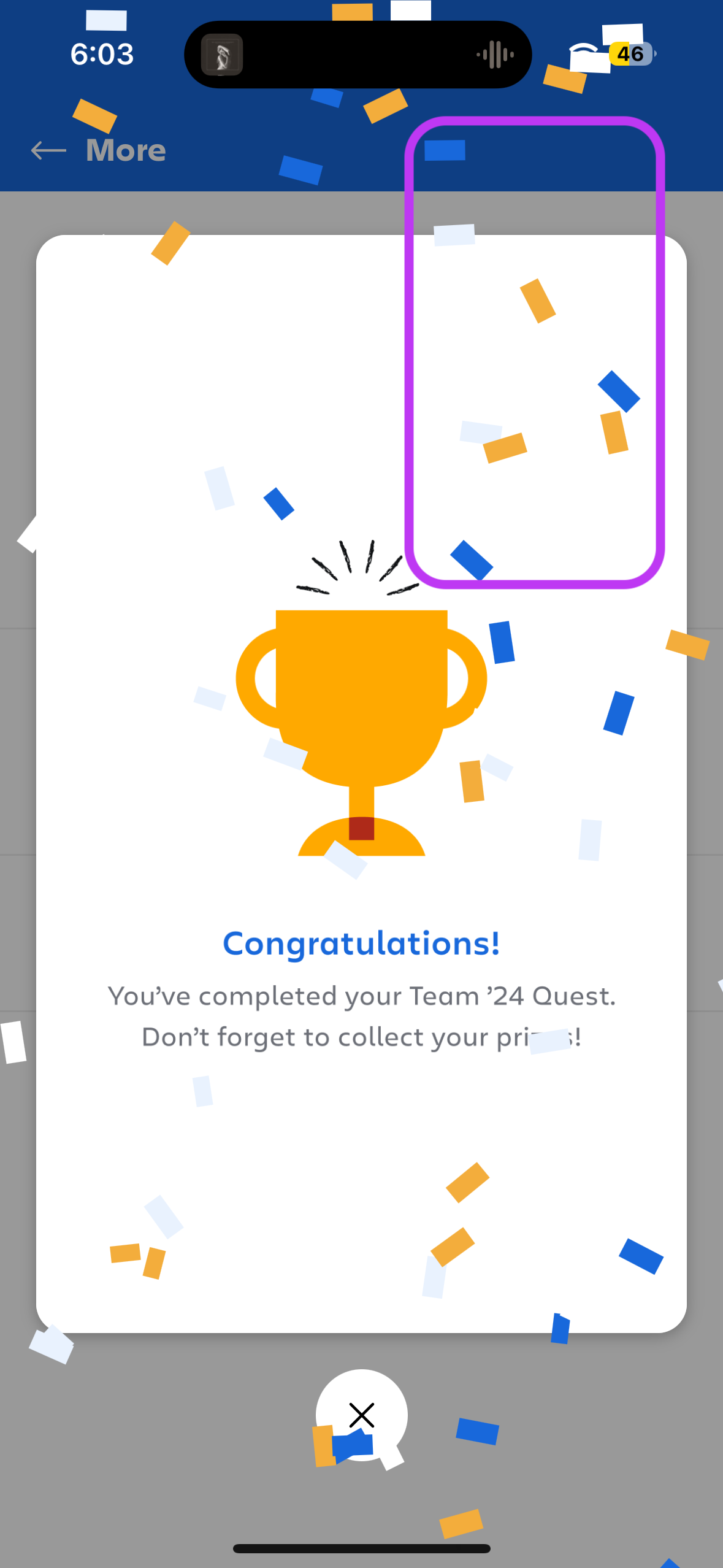
Confetti icons: Form a celebration confetti after each stop or game completion
- Notes: Color selection available from branding in Design > Colors
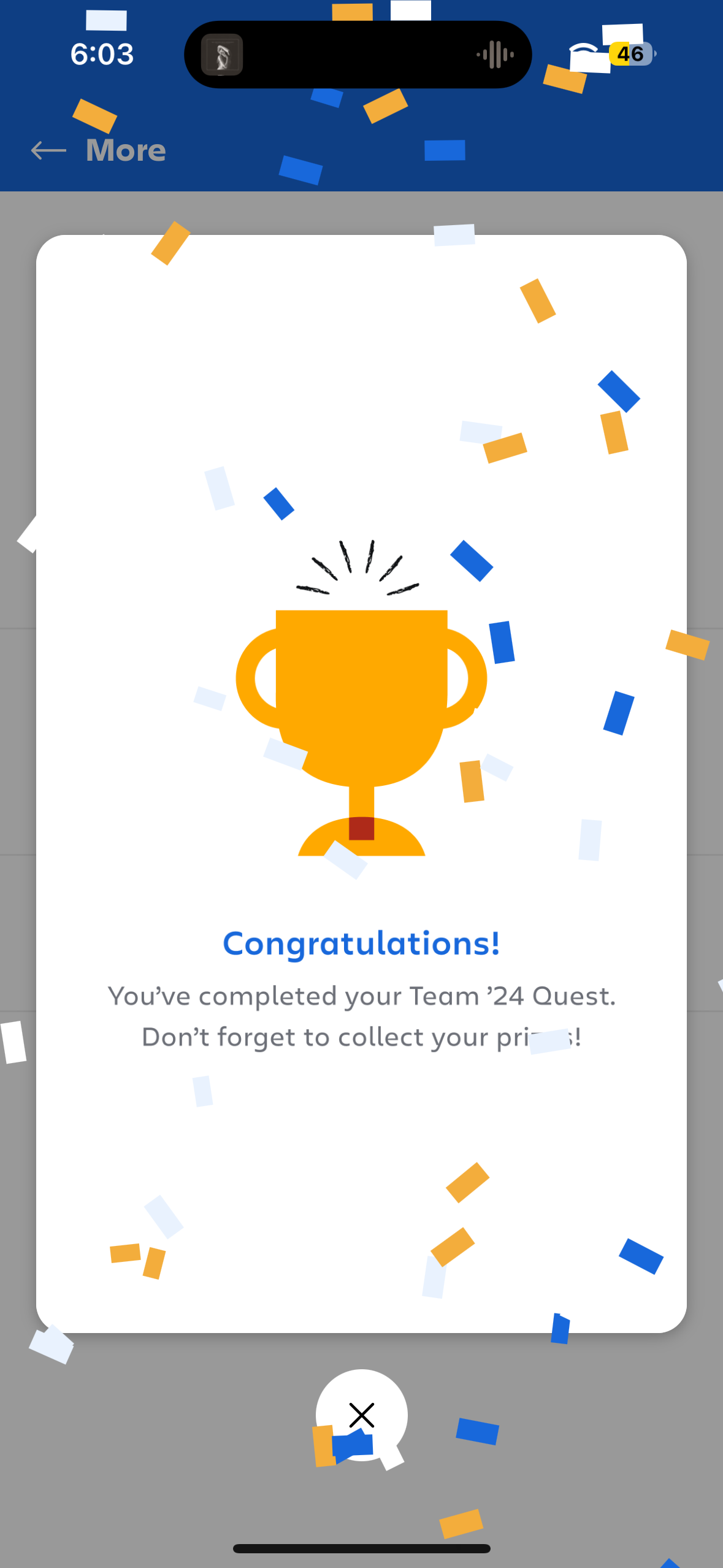
Completion screen: a portrait image used to celebrate the game being completed by the attendee
- Specs: 1080x1920, PNG or GIF
Sidekick:
Feed Icon:
(512x512 PNG)

Sidekick Menu Icon (usually the same as above):
(512x512 PNG)

Feed Background
(1080x1920 WEBP)

Cards
- Images for sessions, sponsors, attendees, and speakers are automatically pulled from the EMS or imported according to the specifications outlined above.
- Supported image types include session images, sponsor logos, and attendee/speaker profile photos.
- For Custom Cards used to highlight onsite activities, announcements, or promotions, use Custom Card Images sized at 1280 × 720 px in WEBP format.