
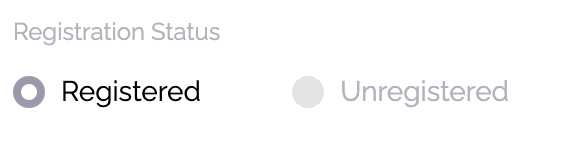
For an attendee to be able to log into your app, the app must be published (Settings > Basics) and the attendee must be registered. You can verify registration status in Attendees:
To log in, attendees enter their email, which must be the email they registered.
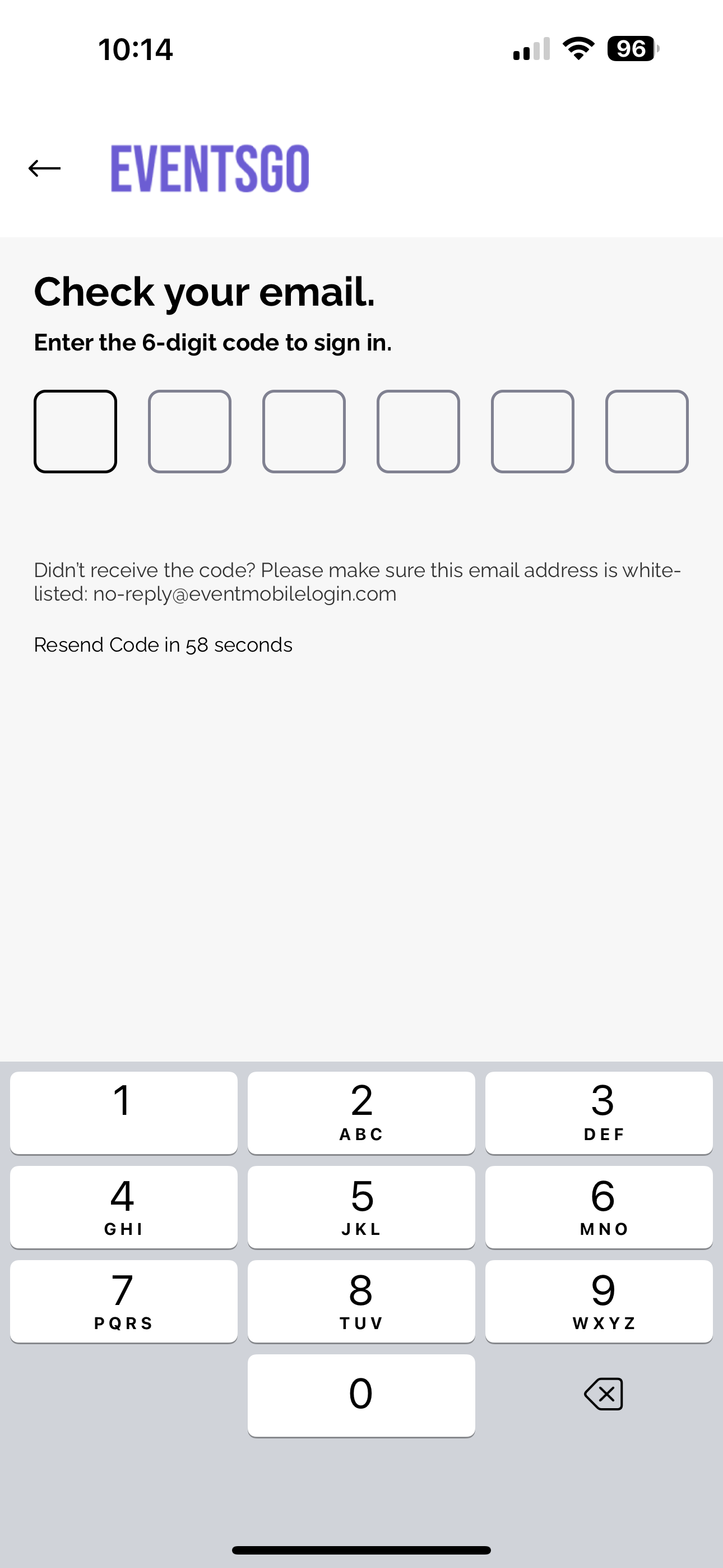
If you have attendees experiencing difficulty login, we have a few ways to help you troubleshoot.
If attendees are using their work phones and have a VPN installed, they may have issues receiving the 6-digit code via email, you can have our email address ([email protected]) white listed with the company IT team.
Another option would be to whitelist the URLs below if the above whitelisting doesn't help.
https://deployprodapp-resourcess-websiteassetsbucketedaf1-zommu6jqm15o.s3.us-east-1.amazonaws.com/
https://api.amego.com
http://amego-web.firebaseapp.com/