For an attendee to be able to log into your app, the app must be published (Settings > Event), and the attendee must be registered. You can verify registration status in Attendees.
To log in, attendees enter their email, which must be the email the used to register.
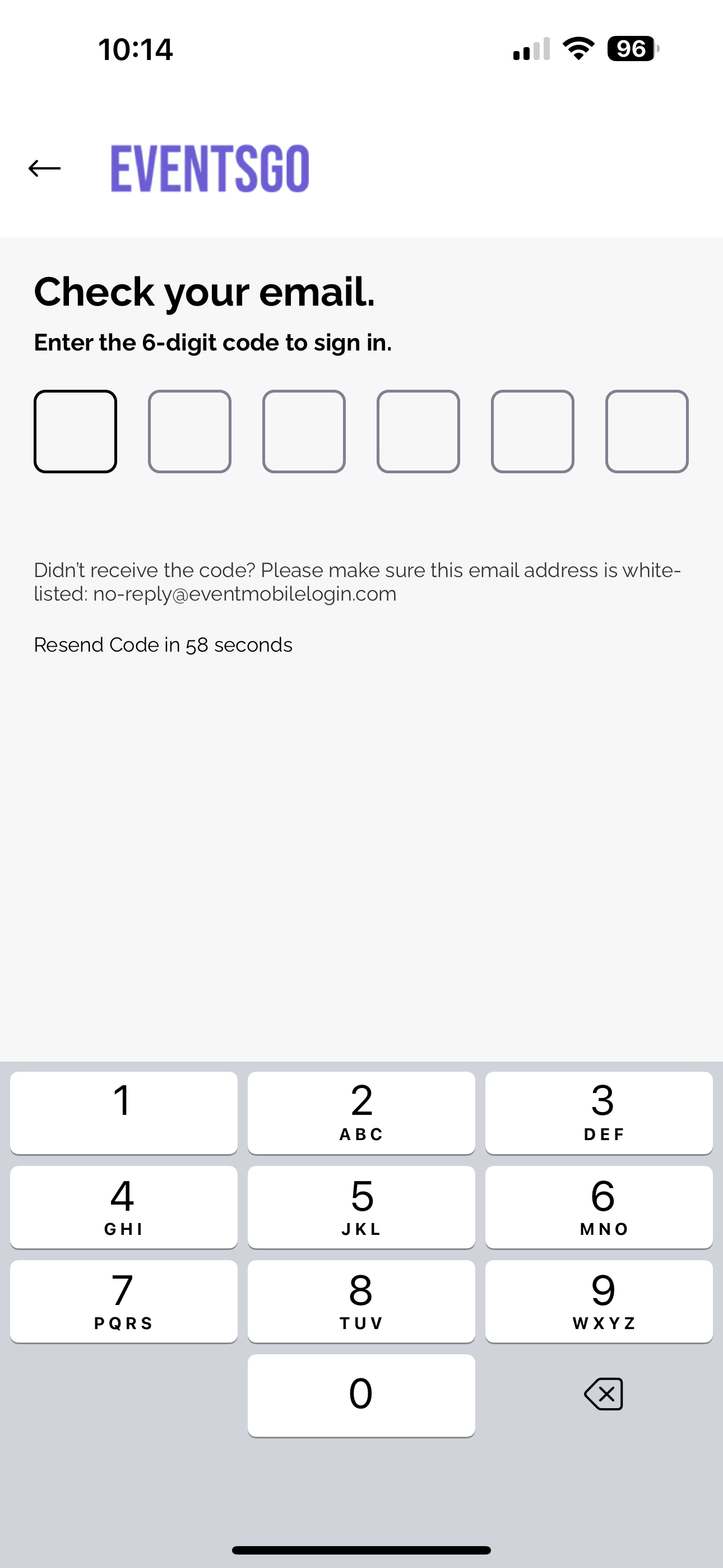
With the new login process, there is a maximum of three verification attempts per code. After three failed attempts, the code no longer works, and a new code must be requested. To slow down repeated failures, exponential backoff is applied between attempts, so the wait gets longer after each failed attempt.
There are also limits on how often a new code can be requested. Attendees must wait at least ten seconds between code requests. If there have been failed attempts, they have to wait for the backoff period to end before requesting another code. When both are in effect, the longer wait time applies.
NEW: If an attendee can’t get their code
To keep the mobile app secure, Amego has added new protections against unauthorized access and automated attacks. These protections greatly reduce the risk of brute-force login attempts.
When an attendee can’t receive the verification email and code, it might be because of VPN restrictions or because they can’t get into their inbox. They can stop by the registration or help desk onsite.
Authorized staff can generate an Onsite Access Code from the attendee’s profile in Amego Admin. The attendee enters it in the app to log in. Each Onsite Access Code is created for one attendee, works once, and expires just like a standard code.
If you have attendees experiencing difficulty logging in, we have a few ways to help you troubleshoot.
If attendees are using their work phones and have a VPN installed, they may have issues receiving the 6-digit code via email. You can have our email address (support@amego.com) whitelisted with the company IT team.
Another option would be to whitelist the URLs below if the above whitelisting doesn't help:
- https://deployprodapp-resourcess-websiteassetsbucketedaf1-zommu6jqm15o.s3.us-east-1.amazonaws.com/
- https://api.amego.com
- http://amego-web.firebaseapp.com/
Comments
0 comments
Article is closed for comments.