
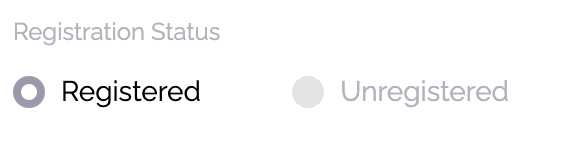
For an attendee to be able to log into your app, the app must be published (Settings > Basics) and the attendee must be registered. You can verify registration status in Attendees.
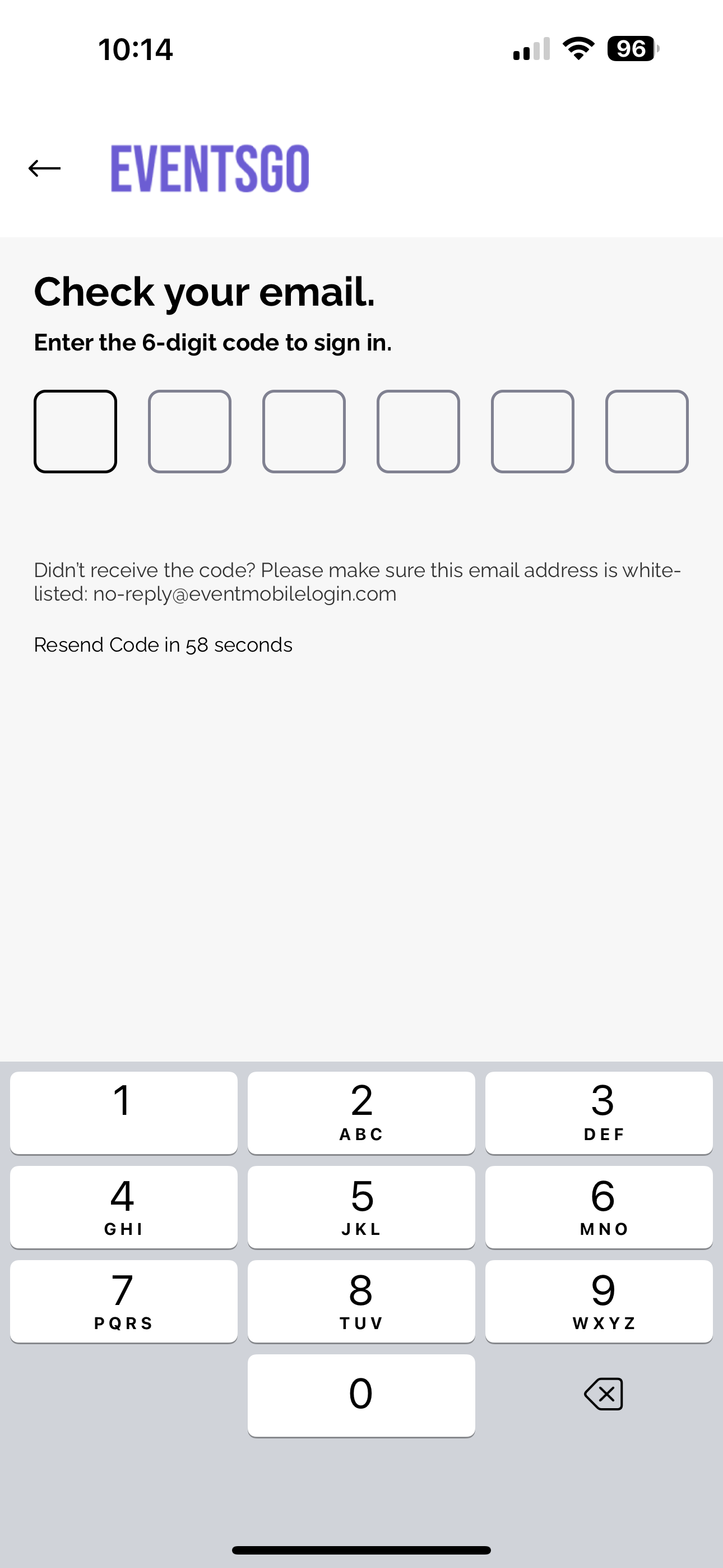
To log in, attendees enter their email, which must be the email they registered.
If you have attendees experiencing difficulty logging in, we have a few ways to help you troubleshoot.
If attendees are using their work phones and have a VPN installed, they may have issues receiving the 6-digit code via email. You can have our email address (support@amego.com) whitelisted with the company IT team.
Another option would be to whitelist the URLs below if the above whitelisting doesn't help:
- https://deployprodapp-resourcess-websiteassetsbucketedaf1-zommu6jqm15o.s3.us-east-1.amazonaws.com/
- https://api.amego.com
- http://amego-web.firebaseapp.com/