
Amego offers unlimited admin users in our CMS.
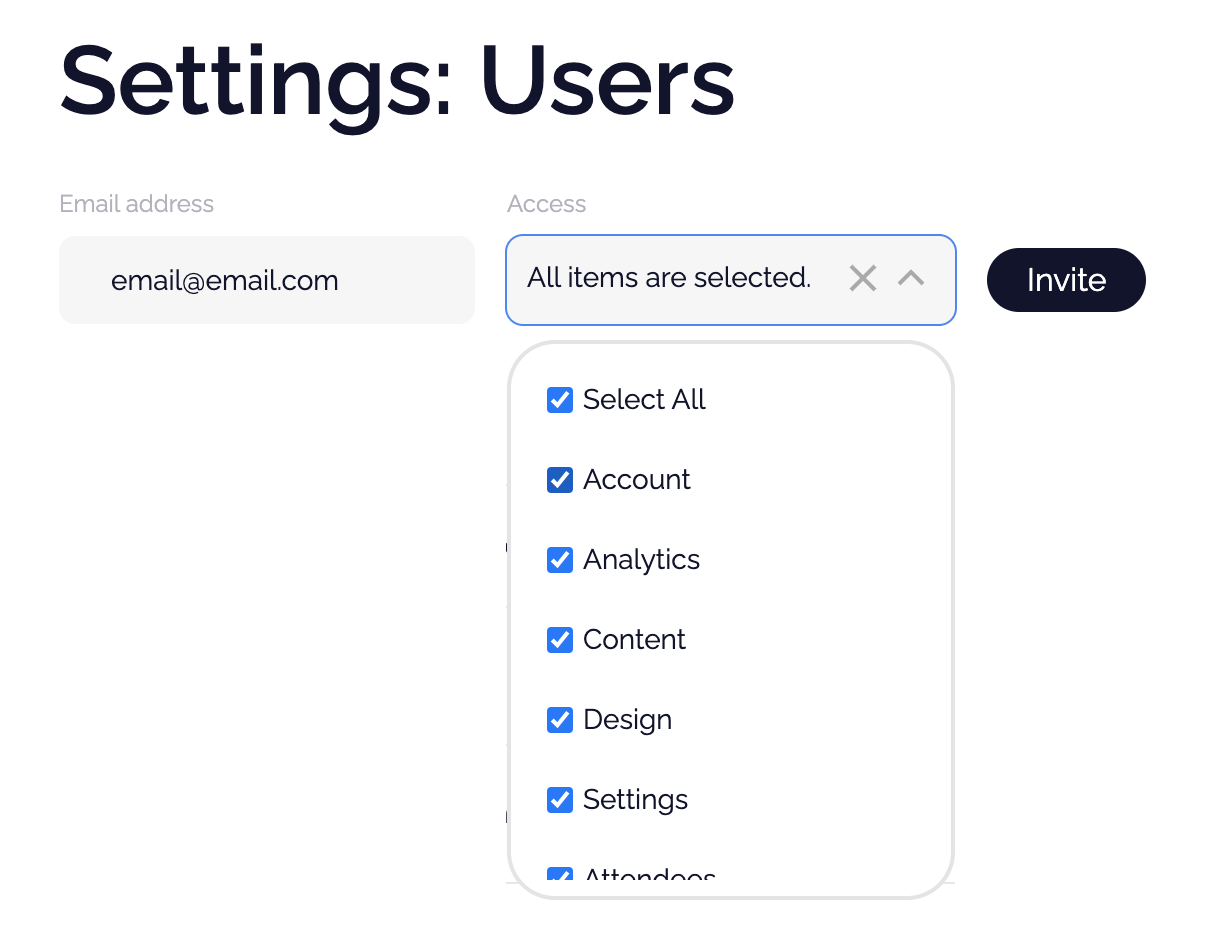
To add someone, go to Settings > Users, enter their email, and select the tabs they can access. We will immediately send an email to invite them to your project.
Once they have set up their account, your event will show in the newly added person's top-right menu.
Did your added user have trouble creating their account? They can try resetting their password and, if that doesn't work, please contact support.
Note: the options you see for user access are mapped to your account type. Depending on your plan, you may not have access to all feature considerations in the CMS.