
Before your app goes live, add testers here to preview before publishing.
What is a Tester?
A Tester is someone who can see your app in EventsGo (when it's set to Testers only in Settings > Basics > Publish on EventsGo).


Make Someone a Tester
There's two ways to make someone a tester:
- In the Amego CMS, go to Attendees > Testers > Add Tester. Enter the Email, First and Last Name of the person you want to add as a tester.


- In Attendees > Attendees, search for the attendee you want to mark as a tester. Click Edit, scroll down to the "Tester?" field and select Yes.

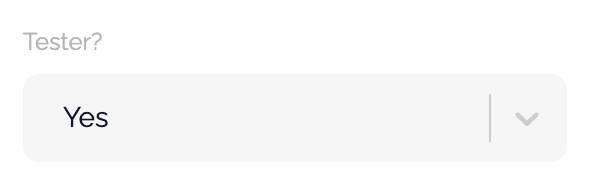
That's it! Once added or marked as a tester, they will be able to log in to EventsGo and begin testing your app.
For option 2, attendee names will show as long as your EMS is integrated or you've already imported your attendees in (if there's no EMS integration).Delete a Tester
In Attendees > Attendees, search for the attendee you want to delete as a tester. Click Edit, scroll down to the "Tester?" field and select "No" and save changes.
