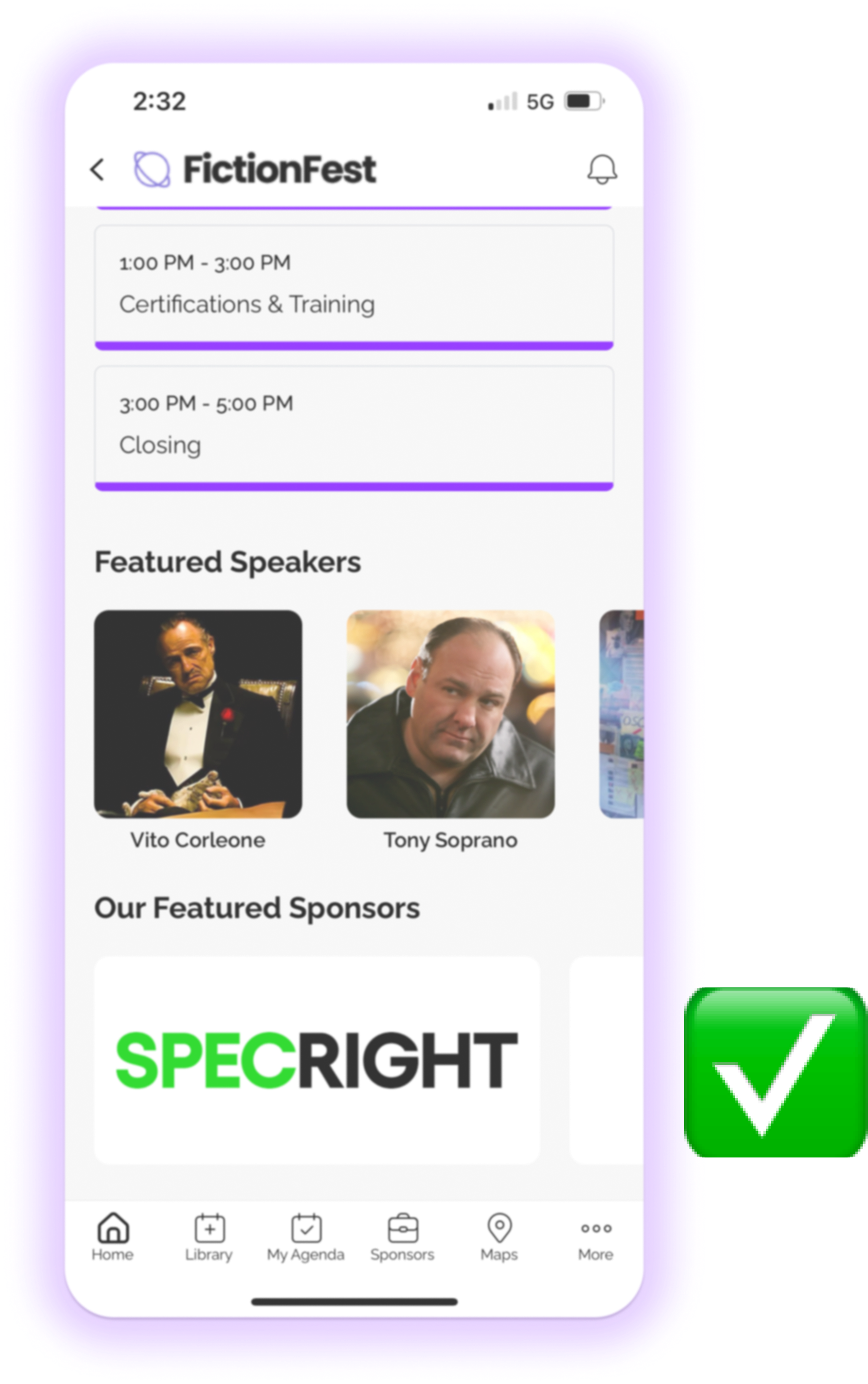
This is a quick guide to effectively managing sponsor logos to ensure they stand out by showing the correct and incorrect logo specs for your app.
Incorrect Logo Usage
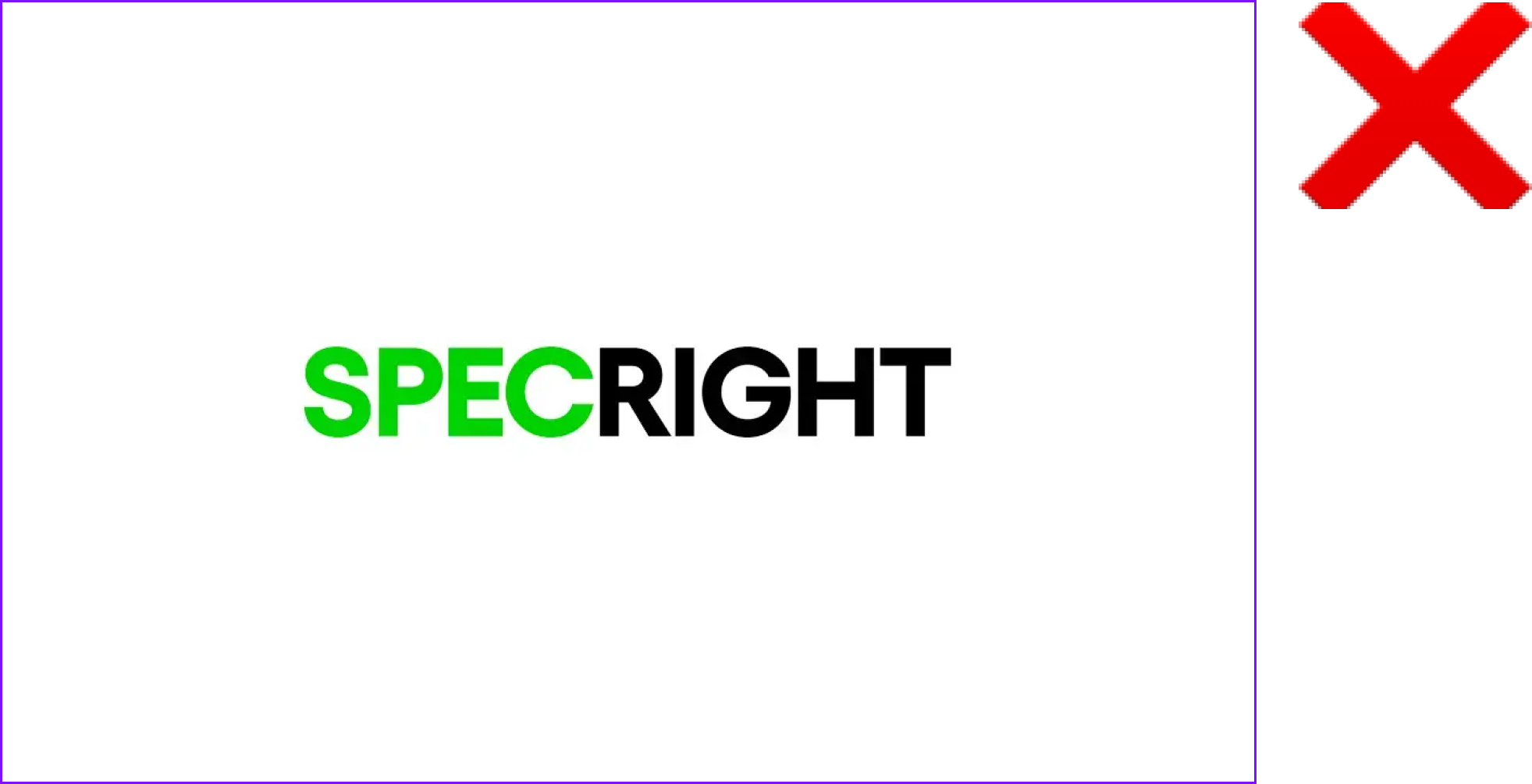
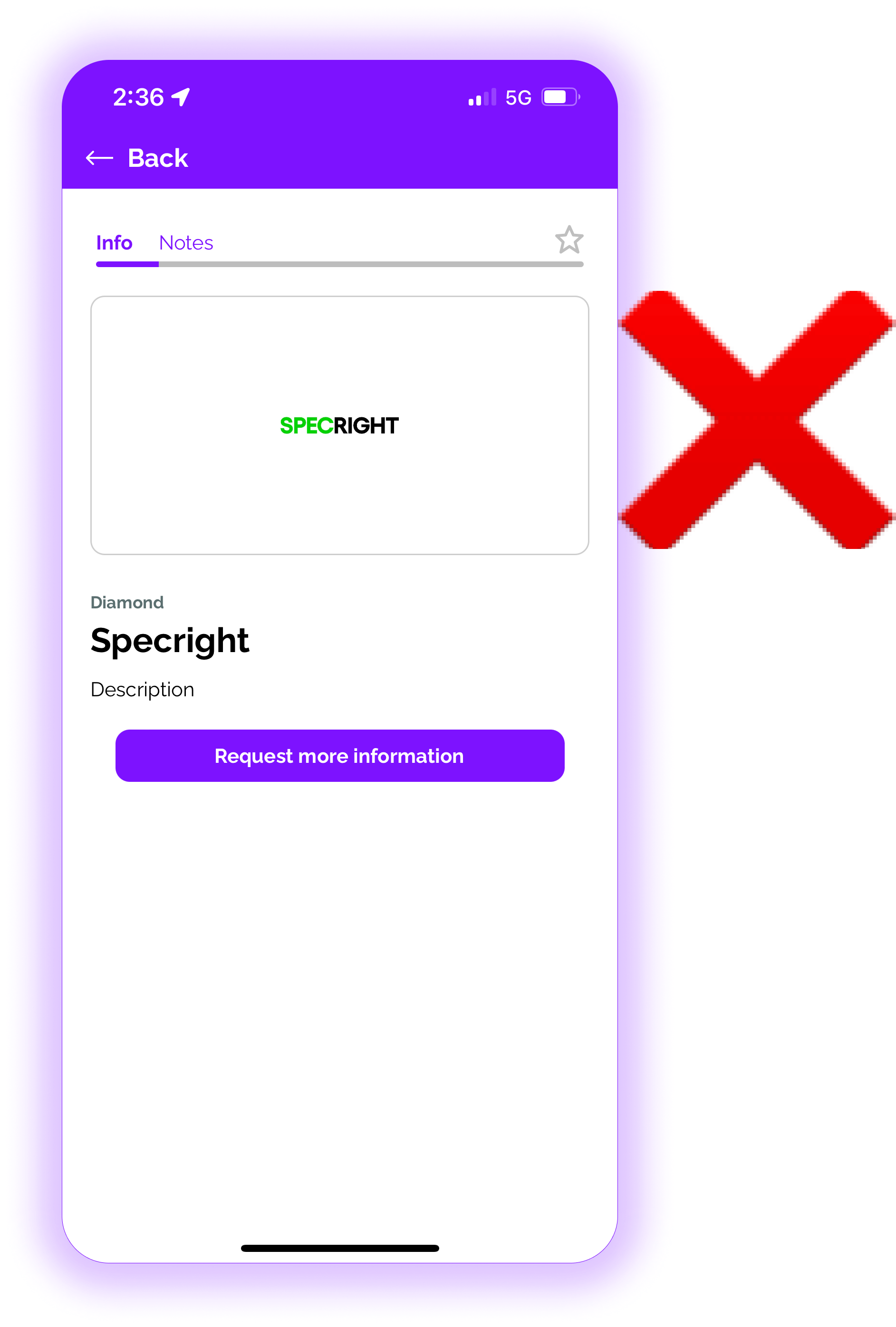
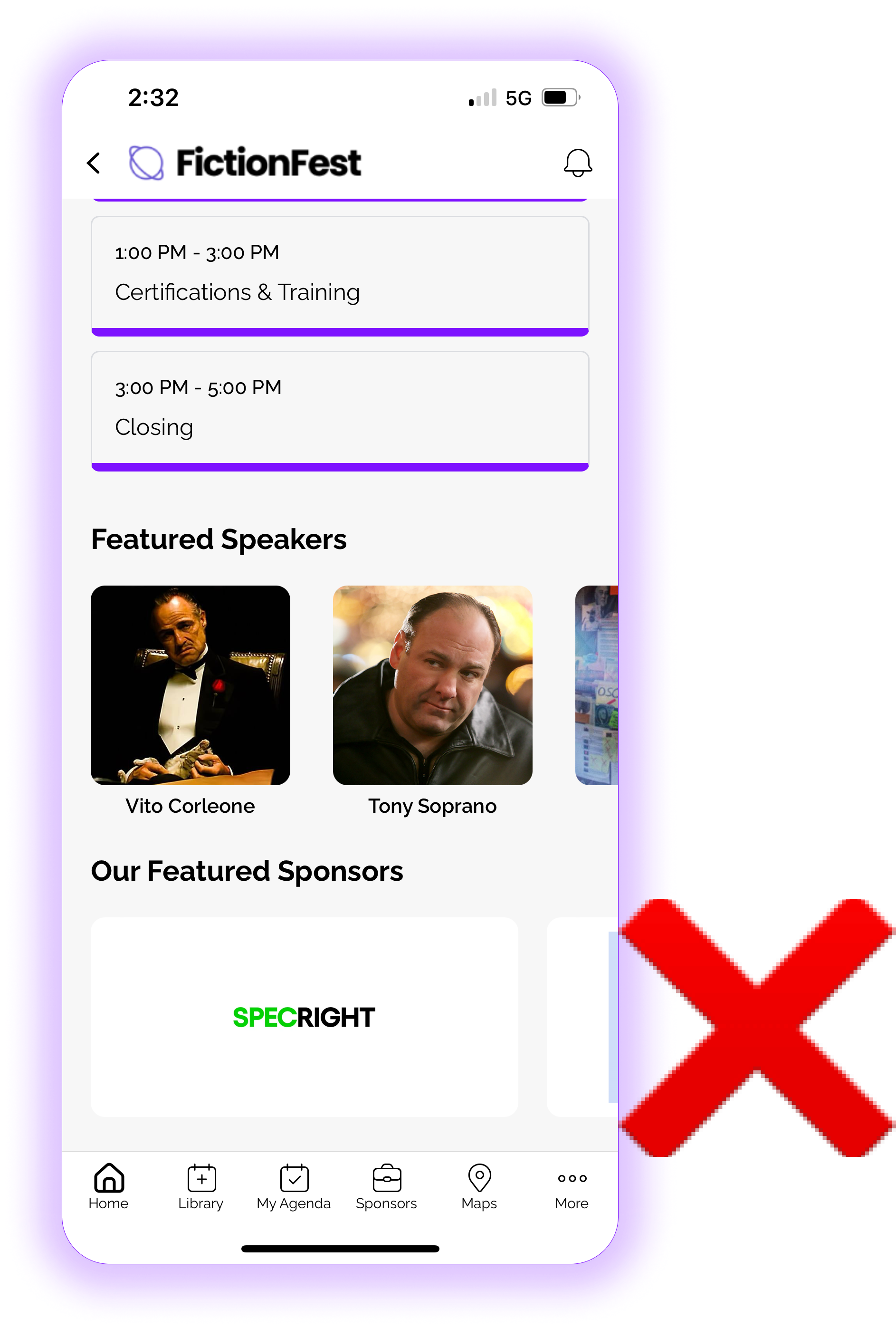
If your images have too much white space, they will appear smaller in the app. Here's an image with too much white space:
Sponsor logo:
As shown in app on sponsor detail:
As shown in app on home screen carousel:
Correct Logo Usage
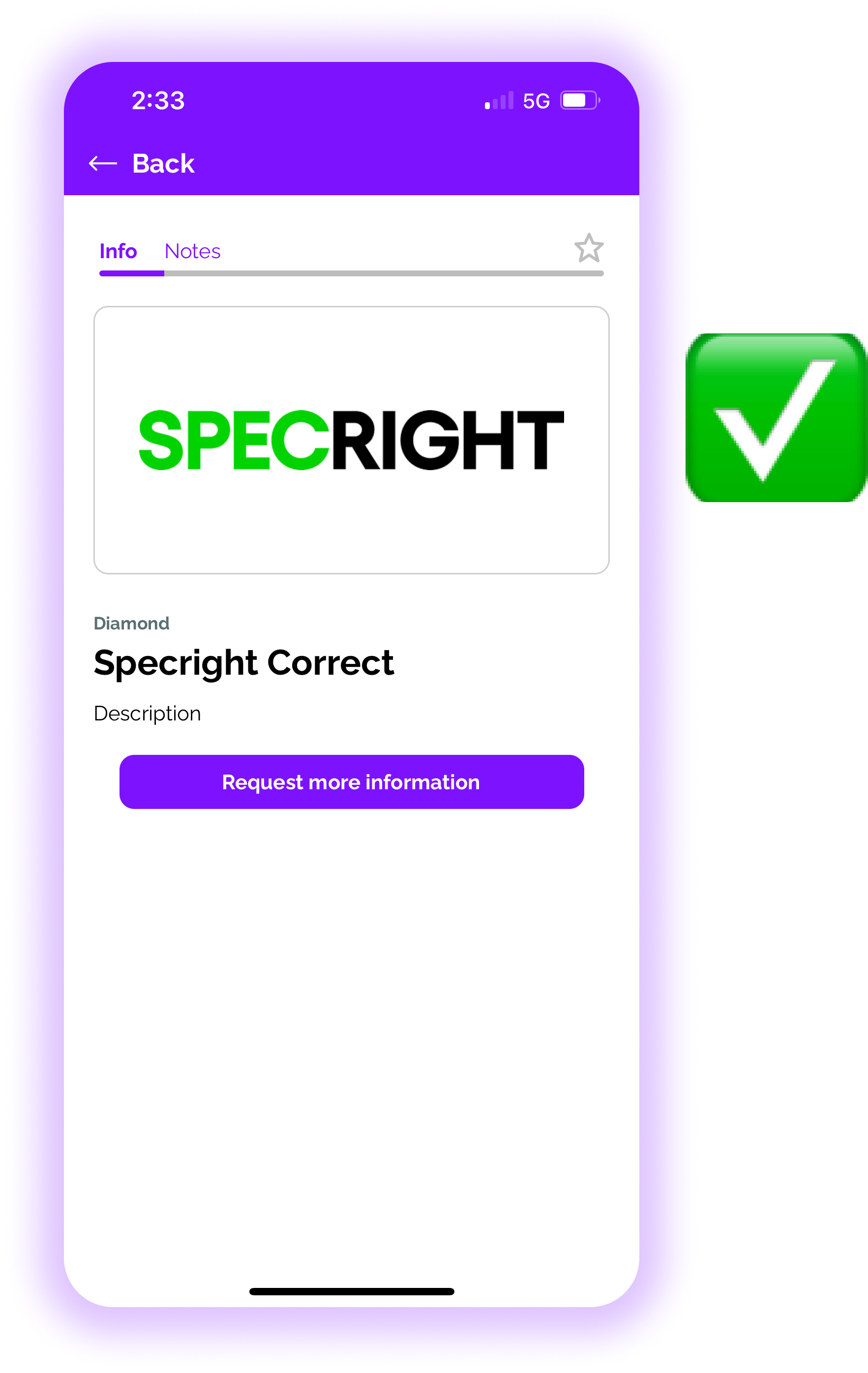
Sponsor logos should be any hi-res size (not too big) but closely cropped, less white. Amego then centers it programmatically.
Sponsor logo:

As shown in app on sponsor detail:
As shown in app on home screen carousel: